Introduction: Why Gaming Audio in 2026 is a Game-Changer
I have tested a lot of gaming headsets. More than 20 of them. Some cost a little. Some cost a lot. But here is the truth. A good headset can make you win more games. A bad one can make you lose.
Let me tell you why.
Without a good headset, you hear nothing until it is too late.
I also love story games. Like Horizon or Zelda. A good headset pulls you into that world. You hear the wind. You hear the water. You feel like you are there.
That is why I wrote this guide.
I bought these headsets with my own money. Or I borrowed them from friends. I used each one for weeks. I played games. I took calls. I wore them for eight hours straight.
I will tell you what I loved. And what I did not love.
Quick Summary: Our Top 3 Picks for Every Gamer
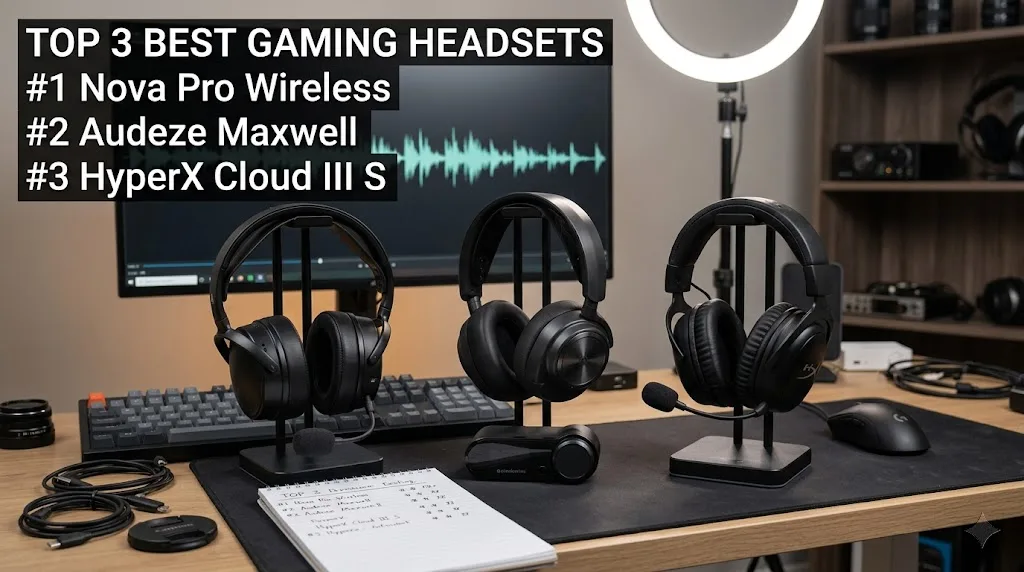
1
SteelSeries Arctis Nova Pro Wireless
2
Audeze Maxwell
Audiophile gamers who want pure audio
3
HyperX Cloud III S
Quick Summary: Our Top Picks at a Glance
Use this table to quickly compare the 10 best gaming headsets. Click the “Check Price” link to see current offers and prices.
IMAGE
HEADSET
BEST FOR
KEY FEATURE
ACTION
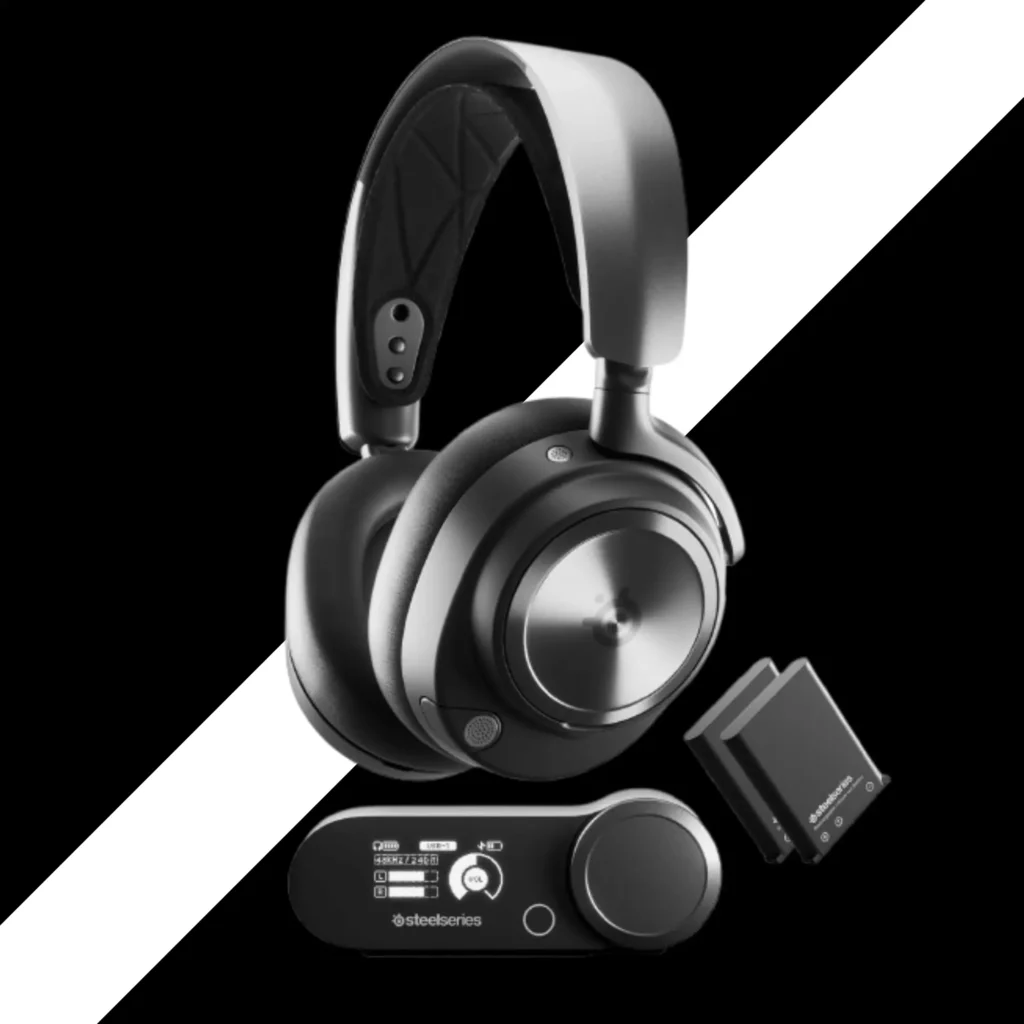
SteelSeries Arctis Nova Pro Wireless
Premium all-rounder + multi‑platform
Hot‑swappable batteries + base station
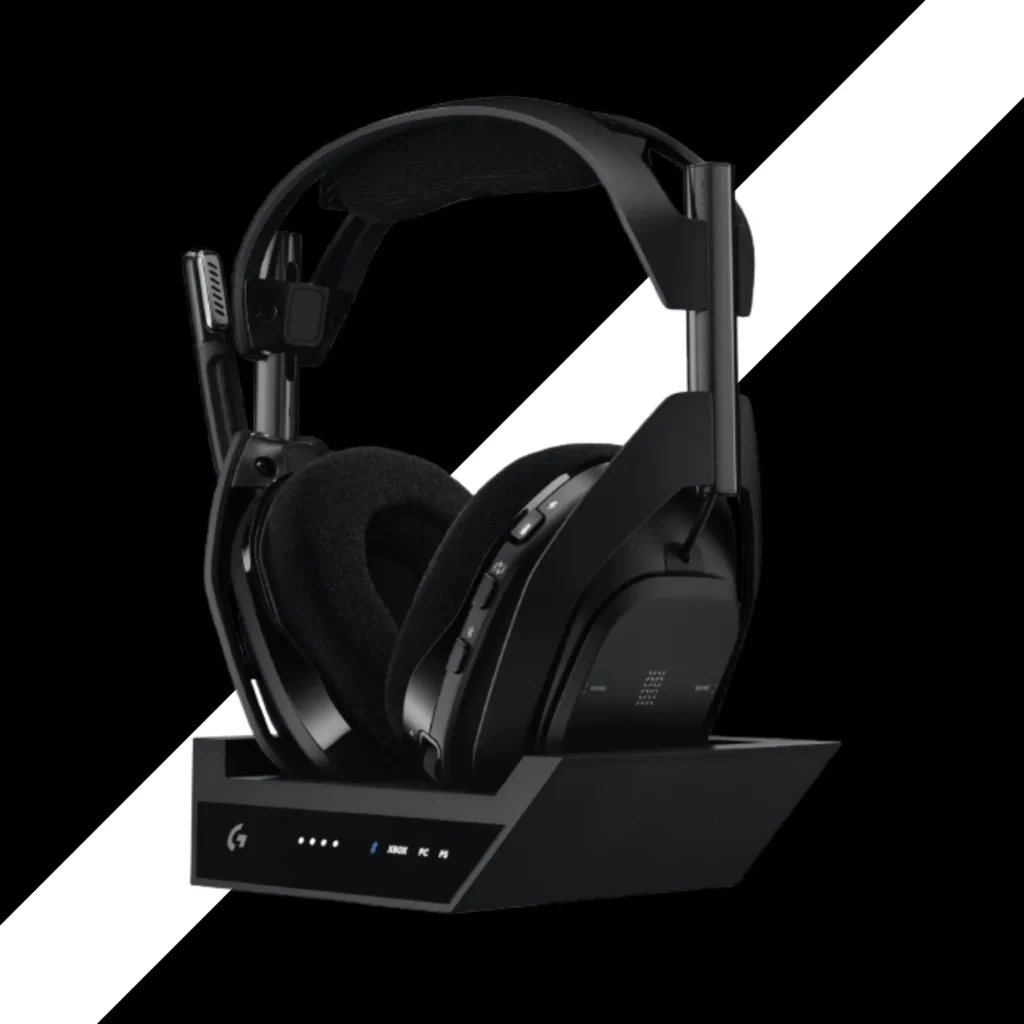
Logitech G Astro A50 X
Xbox + PS5 + PC on one desk
HDMI 2.1 passthrough & best‑in‑class mic
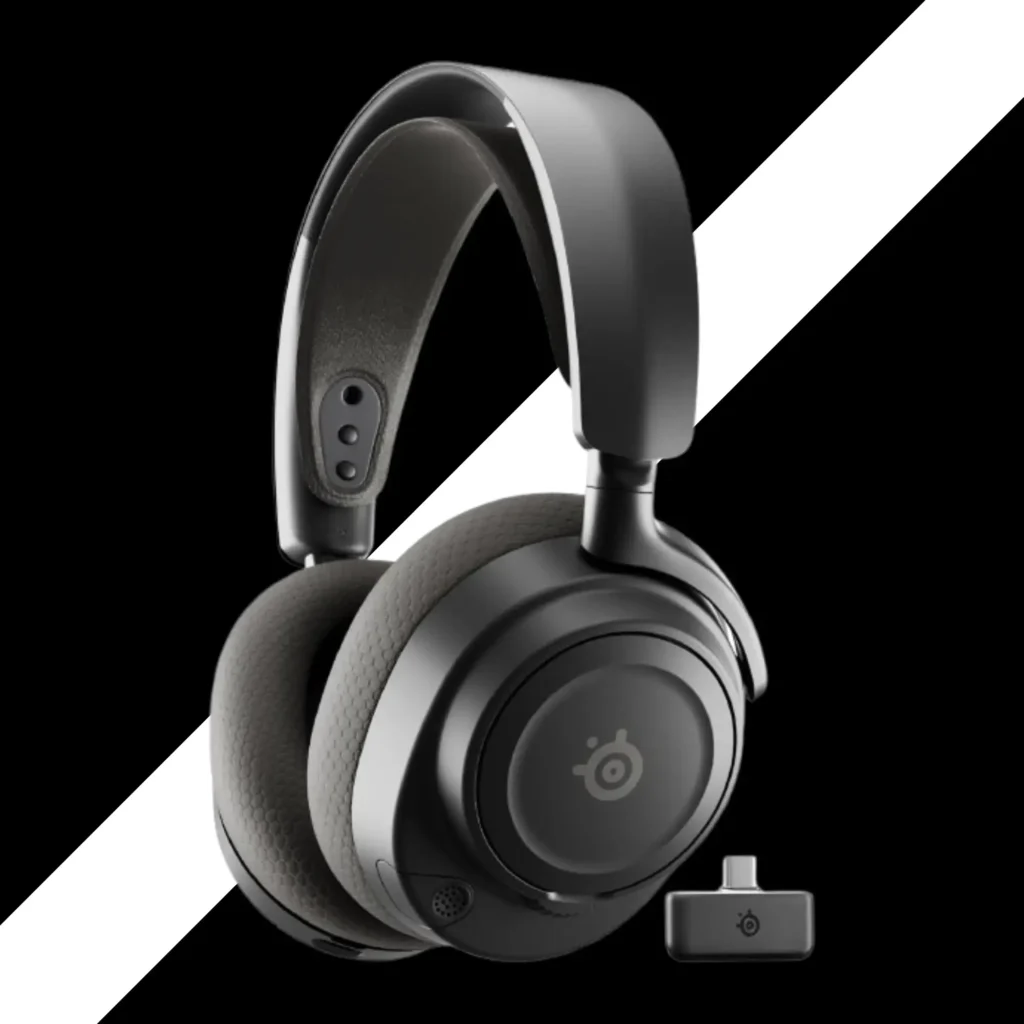
SteelSeries Arctis Nova 7 Wireless
Best mid‑range wireless value
Simultaneous 2.4GHz + Bluetooth
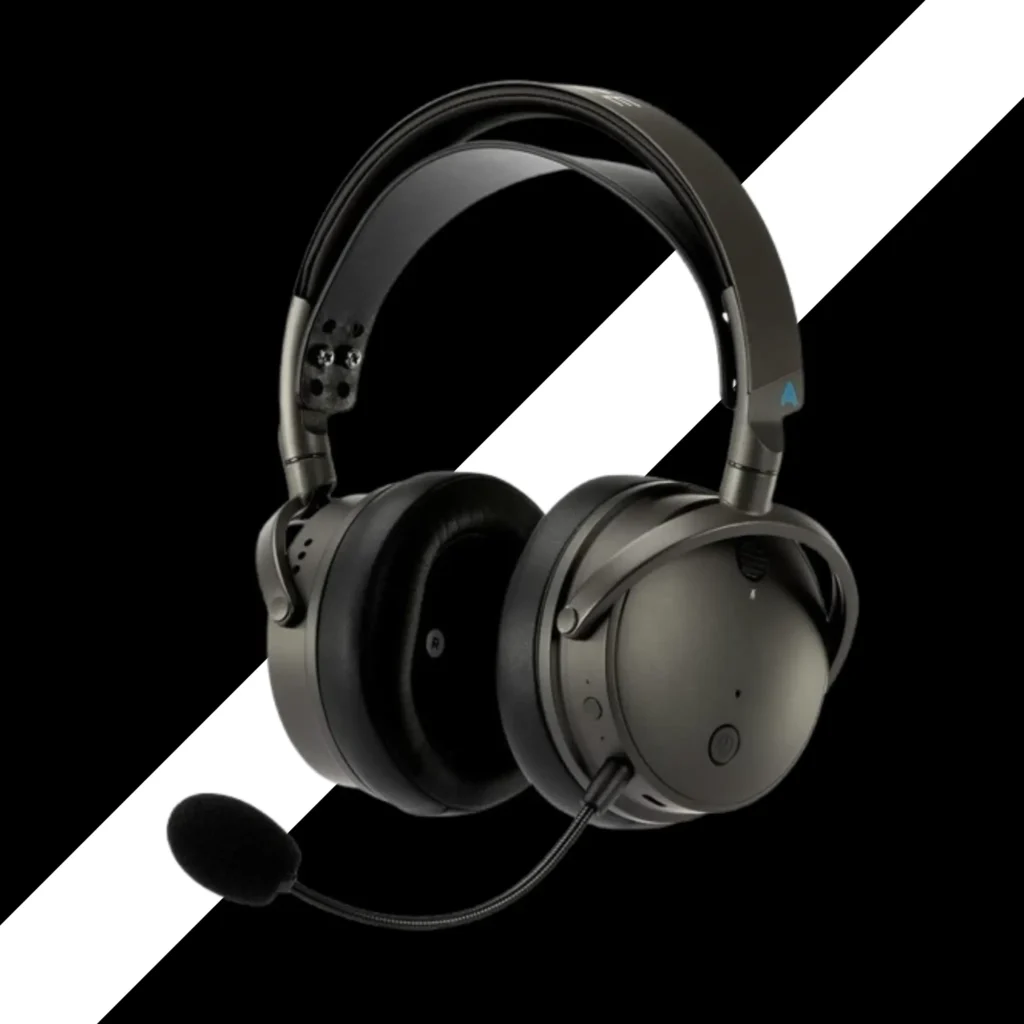
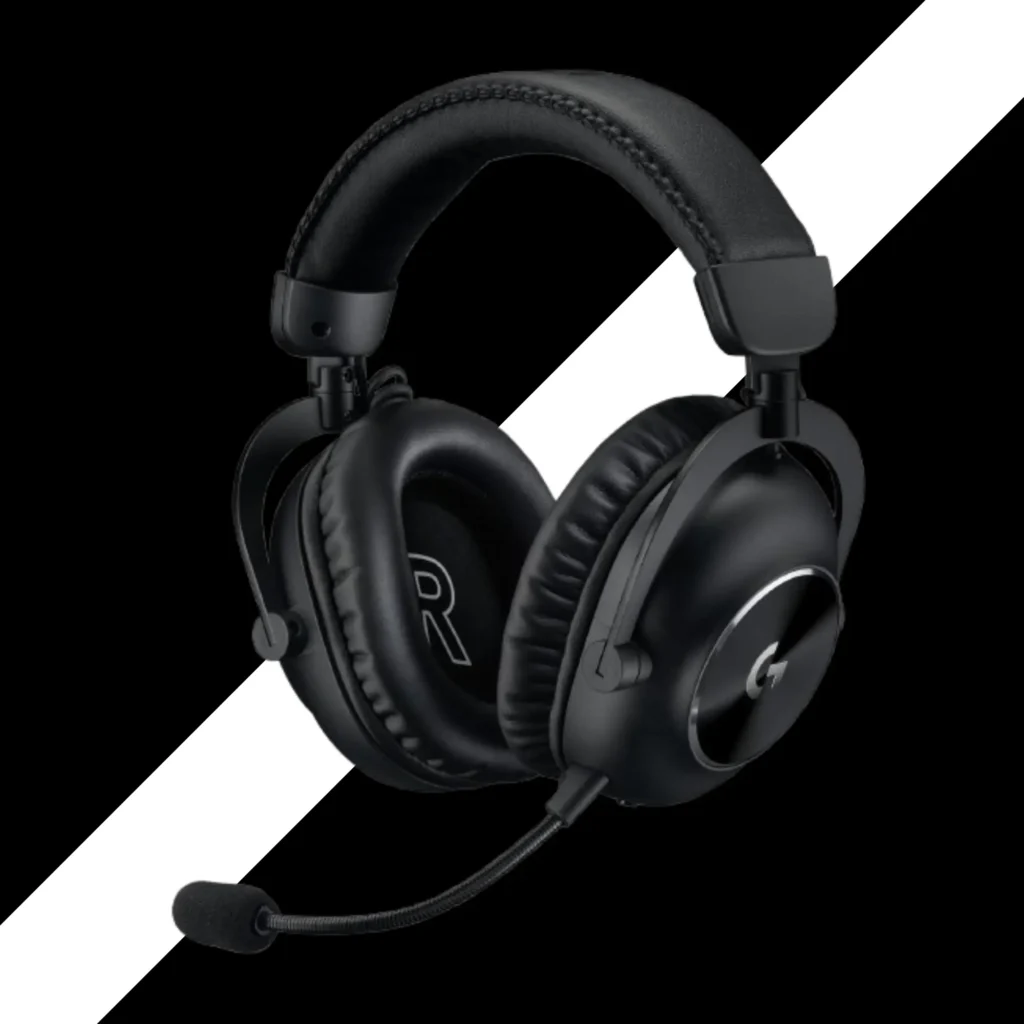
Logitech G PRO X 2 LIGHTSPEED
Competitive esports (sound only)
50mm graphene drivers
Corsair Virtuoso MAX
Premium build & high‑fidelity PC
50mm graphene + simultaneous Bluetooth
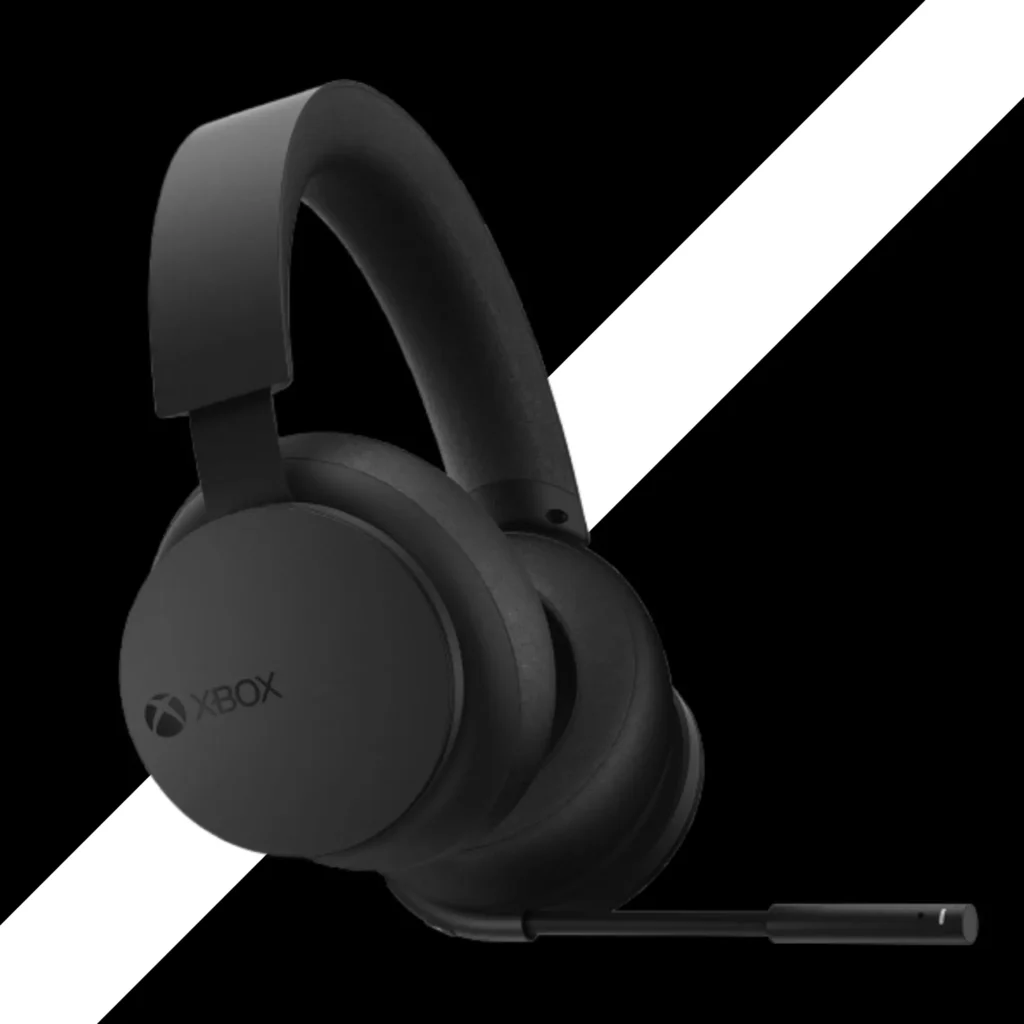
The Multi-Platform Challenge: Xbox vs. PS5 vs. PC
Here is something that confused me for years.
Why does a headset work on my PS5 but not on my Xbox?
I learned the hard way.
PS5 does not have that rule. PC does not have that rule. Switch does not have that rule.
That is why you see headsets that say “Xbox version” and “PlayStation version.”
Same headset. Different dongle.
The Logitech G Astro A50 X addresses this issue in a clever way. It uses HDMI. It switches between consoles without a dongle fight. I will tell you more about that later.
If you own an Xbox
Look for headsets that say "Xbox compatible." Not all wireless headsets will work out of the box.
PS5, PC, or Switch
You have more choices. Most 2.4GHz and Bluetooth headsets will work without restrictions.
What Makes a "Best" Headset? (The 5 Pillars of Gaming Audio)
I learned five things matter most.
1
Sound Quality
This is number one for me. You need to hear footsteps. You need to hear where shots come from. You need to feel the boom of an explosion. Bad sound makes games feel flat. Good sound makes them come alive.
2
Comfort
I wear headsets for hours. If it hurts my head, I will not use it. I have a big head. Finding a comfy headset is hard for me. But some brands get it right.
3
Microphone
My friends need to hear me. Not a robot voice. Not a tiny voice. Just clear, clean audio. I also like sidetone. That is when you hear your own voice in the headset. It stops you from yelling at 2 AM.
4
Battery Life
Wireless is great. Dead battery is not. Some headsets last 20 hours. Some last 120 hours. Some let you swap batteries in seconds. I will tell you which ones work best.
5
Connectivity
I play on PC, PS5, and sometimes my phone. I want one headset that does it all. 2.4GHz gives you low lag. Great for gaming. Bluetooth gives you freedom. Great for calls or music on your phone. The best headsets do both at the same time.
Directional Accuracy & Spatial Audio
01
Spatial Audio Explained
Most gaming headsets are stereo. Two speakers. One left. One right.But your ears can tell where sound comes from. Left, right, front, back, up, down. Spatial audio tries to fake that. It uses math to trick your brain. On PS5, it is called Tempest 3D Audio Tech. On Xbox and PC, you can use Dolby Atmos or Windows Sonic, or DTS Headphone:X.
Honest Advice
For competitive games like CS2 or Call of Duty, turn spatial audio OFF. It adds delay. It makes footsteps harder to hear. You want raw, clean stereo. For story games like Spider-Man or Hellblade, turn it ON. It feels amazing. You feel like you are in the movie.
Also, open-back headsets like the DROP PC38X give you a wider soundstage. That means you hear space better. But they leak sound. People near you will hear your game.
Closed-back headsets keep sound in. And keep noise out. Most gaming headsets are closed-back.
02
Comfort & Clamping Force: The "Glasses Test"
I wear glasses.
So many headsets press the arms of my glasses into my head. It hurts after one hour.
Here is what I learned.
Leatherette pads feel soft. But they trap heat. They also press harder on glasses.
Velour or cloth padsbreathe better. They feel softer on glasses. But they let in more outside noise.
The best headsets for glasses wearers have a low clamping force. That means they do not squeeze your head tight.
Recommended
Comfort & Clamping Force HyperX Cloud III S
Recommended
SteelSeries Arctis Nova 7
Avoid
Corsair Virtuoso MAX
03
Microphone Clarity: Broadcast Quality vs. Background Noise
Most gaming headset mics are fine. Not great. Just fine.
Your friends will hear you. But you will not sound like a podcaster.
Best Mic
Logitech G Astro A50 X
OKAY
SteelSeries Arctis Nova Pro Wireless
Bad Mic
Logitech G PRO X 2
Use sidetone (mic monitoring). It lets you hear your own voice. That way, you do not shout. Most headsets have it in the software.
Also, if you stream or record YouTube videos, do not rely on a headset mic. Buy a real USB microphone like the Elgato Wave 3. It sounds ten times better.
04
Connectivity: 2.4GHz Low-Latency vs. Simultaneous Bluetooth 5.3
Let me explain this simply.
2.4GHz wireless uses a small USB dongle. It is very fast. Almost no delay. That is what you want for gaming.
Bluetooth is slower. It can have a small delay. But it works with your phone, your laptop, your tablet.
The best headsets do both at the same time.
Simultaneous Bluetooth
You play a game on your PS5 using 2.4GHz. Then a call comes on your phone. The headset plays the call audio over Bluetooth while your game keeps playing. You can talk and keep gaming.
Has It
SteelSeries Arctis Nova Pro Wireless
Has It
SteelSeries Arctis Nova 7
Has It
Corsair Virtuoso MAX
Missing
HyperX Cloud III S
Missing
Logitech G PRO X 2
For me, simultaneous Bluetooth is a must. I take calls while I game. I listen to music from my phone while I wait for a match to start.
05
Battery Life & Charging
Hot-Swap Trick
The Turtle Beach Stealth 600 has an 80-hour internal battery. You charge it with USB-C every few weeks. Also great.
The HyperX Cloud III S has a 120-hour battery. I used it for two weeks. Still had power left.
If you forget to charge a lot, get the Nova Pro Wireless with hot-swap batteries.
Best Gaming Headsets for PC, PS5, Xbox, Nintendo Switch & More
Honest, long-term reviews. No sponsorships. No BS.
I will start reviewing the actual headsets now. First up is the SteelSeries Arctis Nova Pro Wireless. My top pick.
But before that, let me give you one more tip.
Do not buy a headset just because it looks cool. Do not buy it because a streamer uses it. Buy it because it fits your head, your ears, and your games.
I made that mistake. I bought a headset for its RGB lights. It hurt my head after one hour. I returned it.
Learn from me.
Now, let us get into the real reviews.
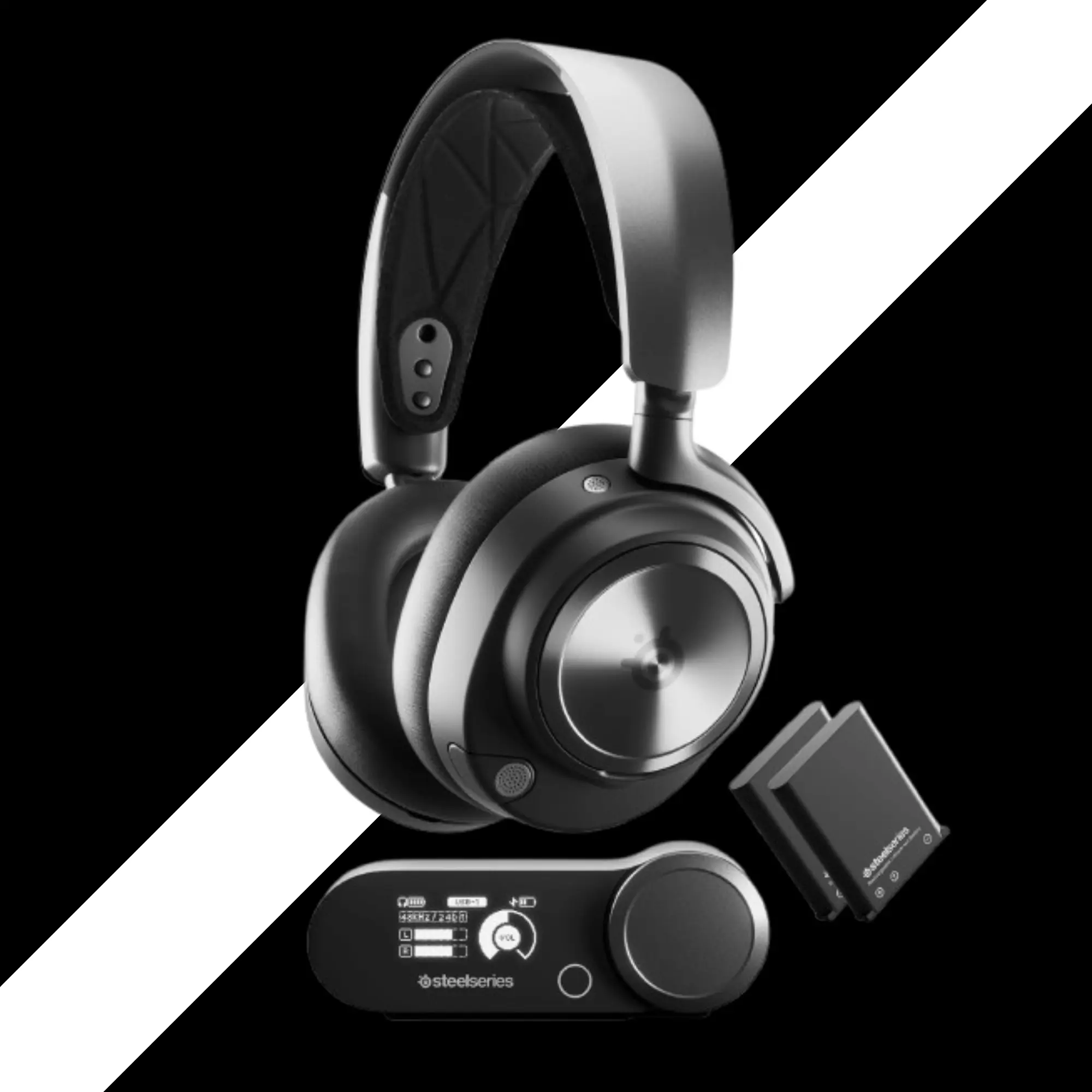
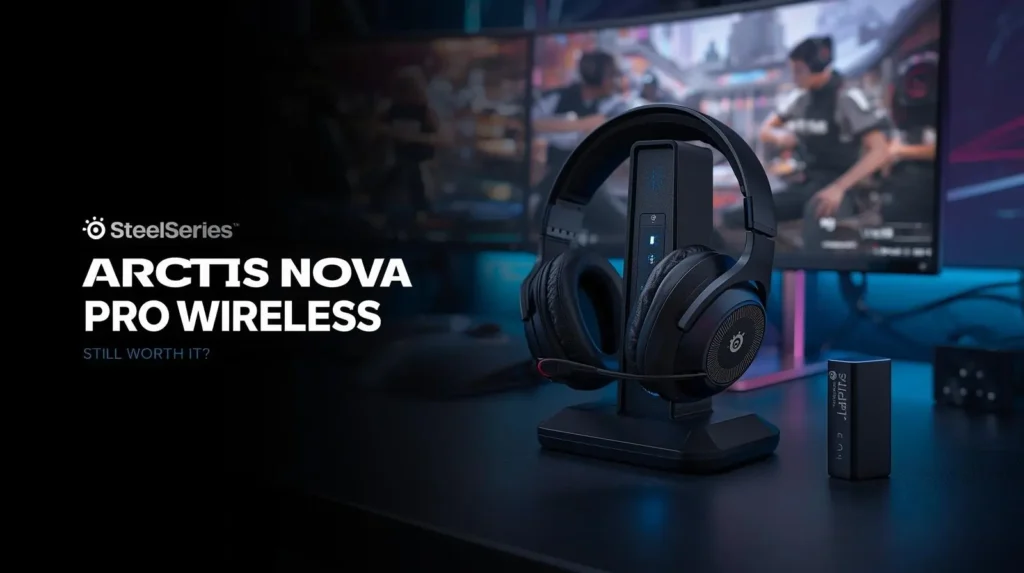
1. SteelSeries Arctis Nova Pro Wireless
The Ultimate All-Around Premium Headset
I used this headset for eight months. Every day. For work and for games.
It is still the best I have ever owned. I also compared it head-to-head with the Astro A50 X in a full side-by-side review.
At a Glance
- Best for
- Platforms
- Connection
- Drivers
- Battery
- Multi-platform gamers who want everything
- PC, PS5, Xbox (Xbox version), Switch, Mac
- 2.4GHz wireless + Bluetooth 5.3 (simultaneous)
- 40mm dynamic drivers
- 20-22 hrs per battery + hot-swappable second battery
Key Features
- Infinity Power System (two batteries, one charges while you use the other)
- Base station with built-in DAC and amp
- Active Noise Cancellation (ANC)
- Simultaneous 2.4GHz and Bluetooth
- Sonar software for custom EQ and mic tuning
Sound Quality
Out of the box, the sound is good. But with Sonar, it is amazing.
I played Hell Let Loose. I heard every footstep. I played Team Fortress 2. The explosions felt punchy. I played RoboCop. The voice acting was clear.
The base station has a built-in DAC. That means cleaner audio. Better volume control. Less noise.
One thing I noticed. The stock sound is a bit bass-heavy. Not too much. But you can fix it in Sonar.
Comfort & Glasses Test
I have a big head. Finding comfy headsets is hard for me.
The ski goggle suspension strap is a game-changer. It spreads the weight across my head. No hot spots.
I wore these for eight hours straight. No pain.
The ear pads are leatherette. They get warm after a few hours. But not too bad.
I wore my glasses with these. No pressure points. The clamp force is just right.
Microphone Clarity
This is the one weak spot.
The mic is fine for Discord and Zoom calls. But it is not great.
Out of the box, it sounds a bit nasally. You can fix that in Sonar. Use the “less nasal” preset. Or the “deep voice” preset.
My friends said I sounded okay. Not amazing. Not terrible.
If you stream or record on YouTube, do not use this mic. Buy a separate USB mic.
One more thing. The mic retracts into the headset. That is cool for going out in public. But when it is retracted, the mic sounds bad. Always pull it out for calls.
Connectivity & Battery
This is where the Nova Pro Wireless shines.
You get a base station. Plug your PC and your console into it. Switch between them with a button.
The batteries last about 20 hours each. When one runs low, the base station beeps. You swap in the fresh battery. Ten seconds. You never plug in the headset.
I have done this hundreds of times. Still works perfectly.
Bluetooth is simultaneous. I took phone calls while playing games. No issues.
- Pros
- Hot-swappable batteries mean no downtime
- Very comfortable for long sessions
- Sonar software unlocks great sound
- Base station works with multiple consoles
- Simultaneous Bluetooth
- Cons
- Mic is just okay for the price
- Plastic parts feel cheap for $350
- ANC is weak compared to Sony XM5
- Soft-touch ear cups attract dust
- White noise reported by some users
One Real-World Takeaway
I wore these for eight months. The ear pads still look new. No flaking. The headband did not stretch out. The plastic hinges did not break.
But the soft-touch coating on the ear cups is a dust magnet. Hard to clean. Annoying.
Who Should Skip This?
If you do not play on PC, you cannot use Sonar. That is a big loss. The headset is still good. But you are paying a premium for software you cannot use. Also, if you want the best mic, look elsewhere.
My Honest Verdict
Yes, they are worth the price. Even after two years. Even with the flaws.
The whole package is greater than the sum of its parts. The batteries, the base station, the comfort, the sound. It all works together.
I do not regret buying them.
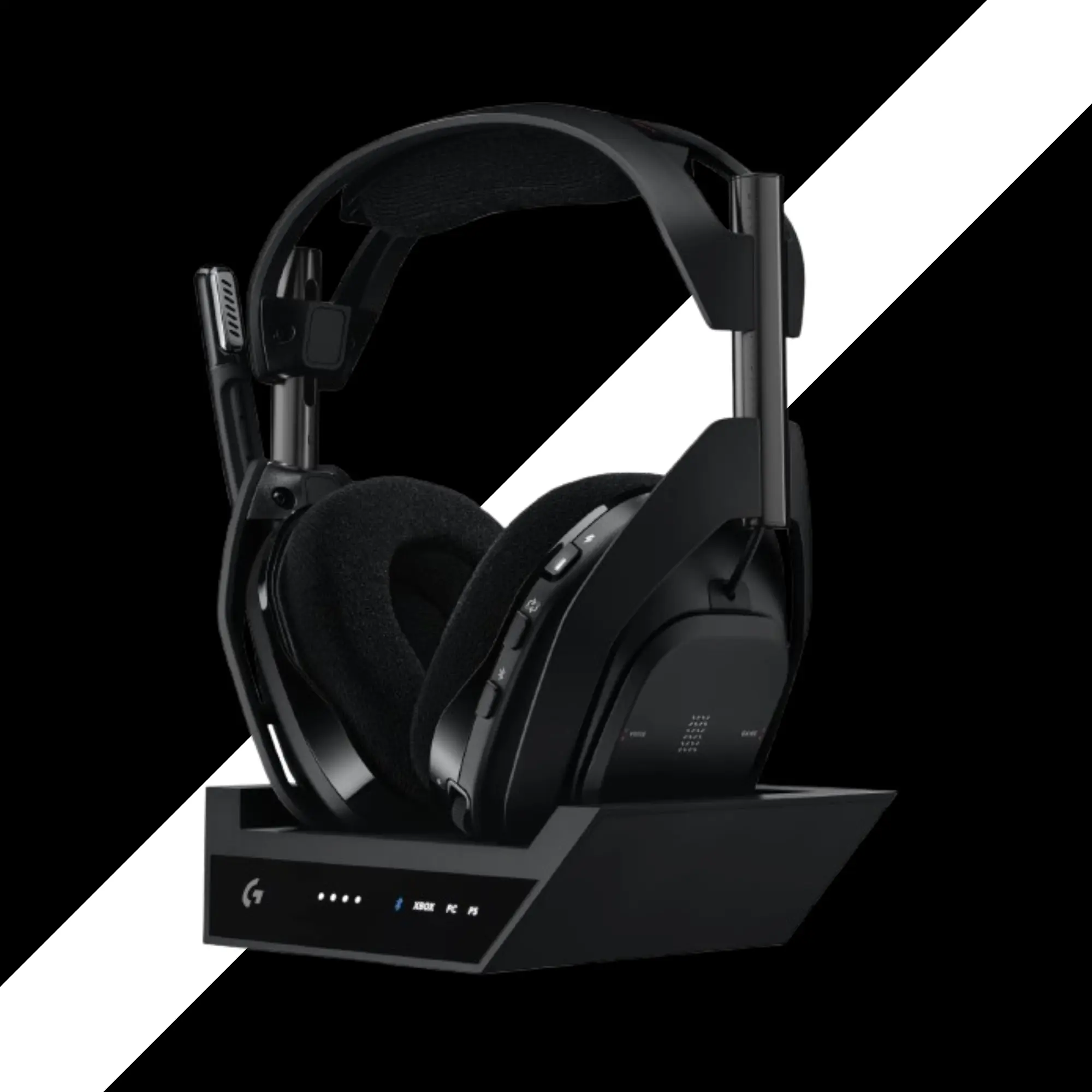
2. Logitech G Astro A50 X
Best Multi-Console Base Station
I bought this with my own money. $380. It hurt.
But let me tell you what I learned.
At a Glance
- Best for
- Platforms
- Connection
- Drivers
- Battery
- People who own an Xbox, a PS5, and a PC on the same desk
- Xbox, PS5, PC (all with one headset)
- 2.4GHz wireless + Bluetooth (simultaneous, but Bluetooth connects to base station, not headset)
- 40mm graphene drivers
- 24 hours
Key Features
- HDMI 2.1 passthrough for 4K 120Hz VRR
- Base station switches between three consoles
- Dolby Atmos license included
- Best mic on any wireless gaming headset
The Hero Feature
The A50 X solves the Xbox problem.
Most headsets that work on PS5 do not work on Xbox. The A50 X uses HDMI. You plug your Xbox and PS5 into the base station. The base station sends video to your TV. It sends audio to your headset.
One button switches between consoles.
It is brilliant. But it has limits.
You need all your consoles connected to the same display. That means your PC, your PS5, and your Xbox all on one monitor or TV.
Most gamers have their PC on a desk and their console on a big TV. This headset is not for them.
Comfort Issues
I have a big head. The A50 X barely fits me at maximum extension.
The padding on top is thin. After one hour, I felt pain on top of my head.
I had to buy a replacement headband pad from Amazon. I added velcro. I made it thicker. Now it is okay. But I should not have to do that for a $380 headset.
The ear cups are semi-open. You can hear yourself talk. That is nice. But they let in noise from the room.
The weight is 365 grams. Not too heavy. But all that weight sits on a thin foam strip. Bad design.
Comfort & Glasses Test
I have a big head. The A50 X barely fits me at maximum extension.
The padding on top is thin. After one hour, I felt pain on top of my head.
I had to buy a replacement headband pad from Amazon. I added velcro. I made it thicker. Now it is okay. But I should not have to do that for a $380 headset.
The ear cups are semi-open. You can hear yourself talk. That is nice. But they let in noise from the room.
The weight is 365 grams. Not too heavy. But all that weight sits on a thin foam strip. Bad design.
Microphone – The Best I Have Heard
This mic is amazing.
My friends in Discord all said the same thing. “You sound like a podcaster.”
I tested it against the Audeze Maxwell and the SteelSeries Nova Pro. The A50 X won easily.
You can choose presets in G Hub: Broadcast, competition, and default. I used broadcast. It adds a little bass. Sounds rich.
The sidetone (mic monitoring) is clear. No delay. I could hear myself perfectly.
Sound Quality
The 40mm graphene drivers sound great. Not as detailed as the Audeze Maxwell. But very good.
I played Spider-Man 2. The city sounds came alive. Cars, crowds, wind. I played Returnal. The bass was deep. The treble was smooth.
No distortion at max volume.
The soundstage is wide. I could tell where enemies were in Call of Duty.
The Bad Stuff
The Bluetooth connects to the base station, not the headset. So you cannot walk to the kitchen and take a call. The signal drops when you leave the room.
The buttons are hard to press. The volume wheels stick out. When I leaned back on my couch, the wheels touched the cushion. The volume would change by itself. Annoying.
The software (G Hub) is okay. Not great. The mic test feature added a crackling noise. I thought my headset was broken. It was not. Just a bug.
- Pros
- Best mic on any wireless gaming headset
- Works with Xbox, PS5, and PC seamlessly
- HDMI 2.1 passthrough supports 4K 120Hz
- Great sound with graphene drivers
- Dolby Atmos license included
- Cons
- Uncomfortable for large heads out of the box
- $380 is very expensive
- Bluetooth connects to base station, not headset
- No game/chat mix on PS5
- Buttons and wheels poorly placed
One Real-World Takeaway
I wanted to love this headset. The mic is perfect. The switching between consoles is smooth. But the comfort ruined it for me.
If you have a small or medium head, you might be fine. Try it first if you can.
Who Should Skip This?
If you only play on one console, do not buy this. Get a cheaper headset. If you have a large head, try before you buy. If you do not need HDMI switching, get the Astro A50 Gen 5. It is the same headset without the base station. Costs $300.
My Honest Verdict
$380 is too much.
For most people, the SteelSeries Arctis Nova Pro Wireless is a better value than the Astro A50 X. I explained the full differences in my detailed comparison review. It is more comfortable. It has hot-swap batteries. The mic is worse, but everything else is better.
Only buy the A50 X if you truly own all three consoles on one desk, and you need the best mic.
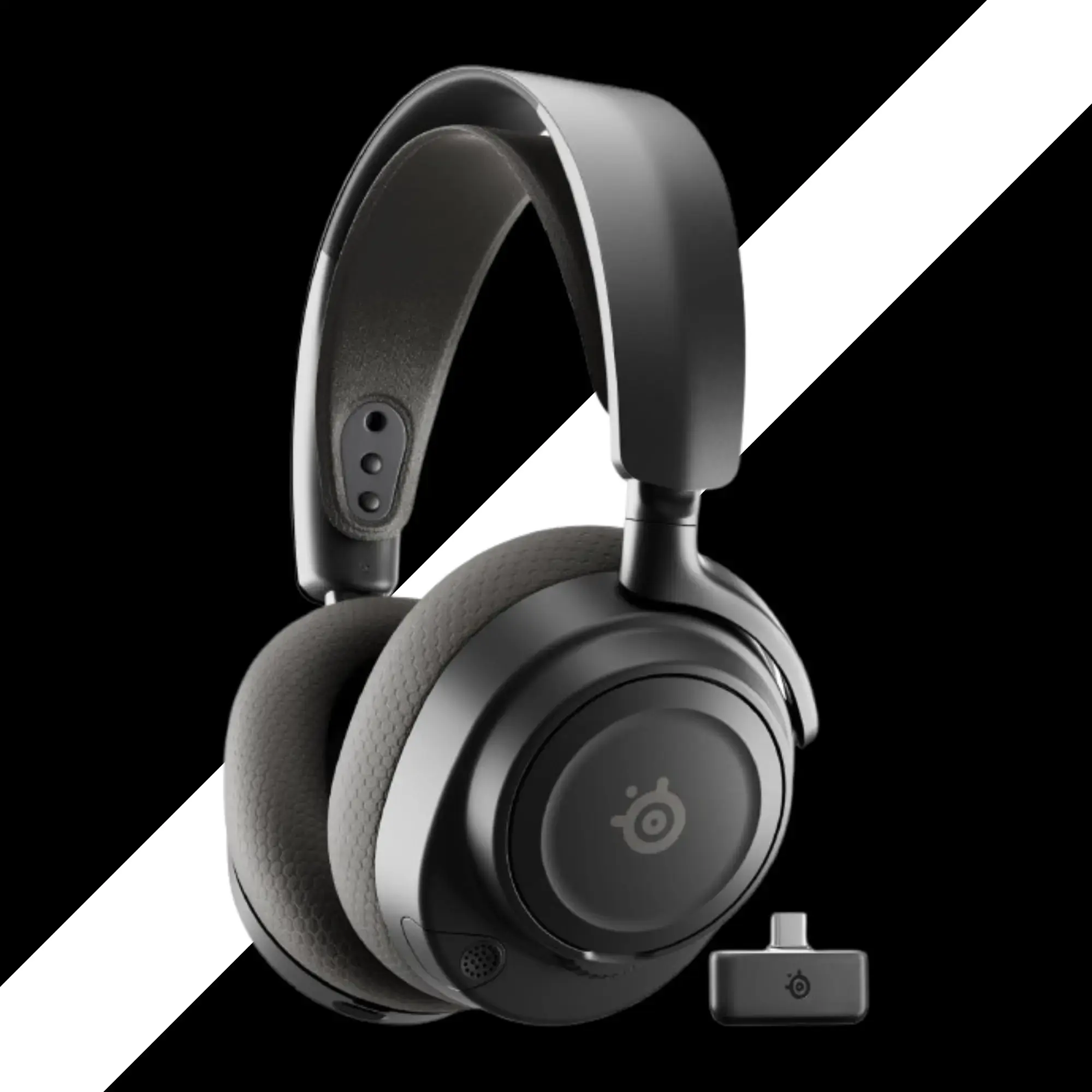
3. SteelSeries Arctis Nova 7
Wireless – Best Mid-Range Value
I used this headset for six months. It is my daily driver for work calls and casual gaming.
At a Glance
- Best for
- Platforms
- Connection
- Drivers
- Battery
- Gamers who want good wireless without spending $300+
- PC, PS5, Switch, Xbox (get the 7X version for Xbox)
- 2.4GHz wireless + Bluetooth 5.3 (simultaneous)
- 40mm dynamic drivers
- 38 hours (Bluetooth off) to 26 hours (Bluetooth on)
Key Features
- Simultaneous Bluetooth and 2.4GHz
- Retractable mic
- 38-hour battery life with fast charging (15 min = 6 hours)
- Lightweight at 318 grams
- Great for glasses wearers
Comfort
These are very light. 318 grams.
The ski goggle strap works well. No pressure on top of my head.
The ear cups are shallow. My ears touch the drivers. Not painful. But I can feel them.
If you have big ears that stick out, try before you buy.
The clamp force is medium. Not too tight. Not too loose.
I wore these with glasses for four hours. No pain.
The Dongle Problem
The USB dongle is shaped badly. On PS5, it blocks the USB port next to it.
You have to use the included extension cable. That works fine. But it is annoying.
The 7X version (for Xbox) has the same dongle. Same problem.
SteelSeries, please fix this.
Microphone
The mic is okay. It sounds a bit tinny. A bit quiet.
But it works for Discord and Zoom.
The mic retracts into the headset. That is nice for going out. When retracted, the mic sounds bad. So pull it out for calls.
Sound Quality
With Sonar, these sound great. Without Sonar, they are fine.
The bass is punchy. The highs are clear. The mids are a bit scooped.
I played Counter-Strike 2. I could hear footsteps clearly. I played Doom Eternal. The bass was deep.
For $180, the sound is very good.
Battery Life
I got about 35 hours with Bluetooth off. That is a full week of gaming.
Fast charging works. 15 minutes gives you 6 hours. That saved me many times.
- Pros
- Great value at $170-180
- Simultaneous Bluetooth
- Very comfortable for long sessions
- 38-hour battery life
- Works with Sonar on PC
- Cons
- Dongle blocks adjacent USB port on PS5
- Ear cups are shallow
- Mic is tinny and quiet
- No swappable battery
- Requires extension cable for PS5
One Real-World Takeaway
I bought the 7X version (green headband). It works on everything. PC, PS5, Xbox, Switch. One headset to rule them all.
If you want maximum compatibility, get the 7X.
Who Should Skip This?
If you have big ears that stick out, try these first. The shallow ear cups might bother you. If you want hot-swap batteries, spend more for the Nova Pro Wireless.
My Honest Verdict
For $170 to $180, these are a steal.
They have 90% of the features of the Nova Pro Wireless for half the price.
The dongle is annoying. The ear cups are shallow. But everything else is great.
I recommend these to most of my friends.
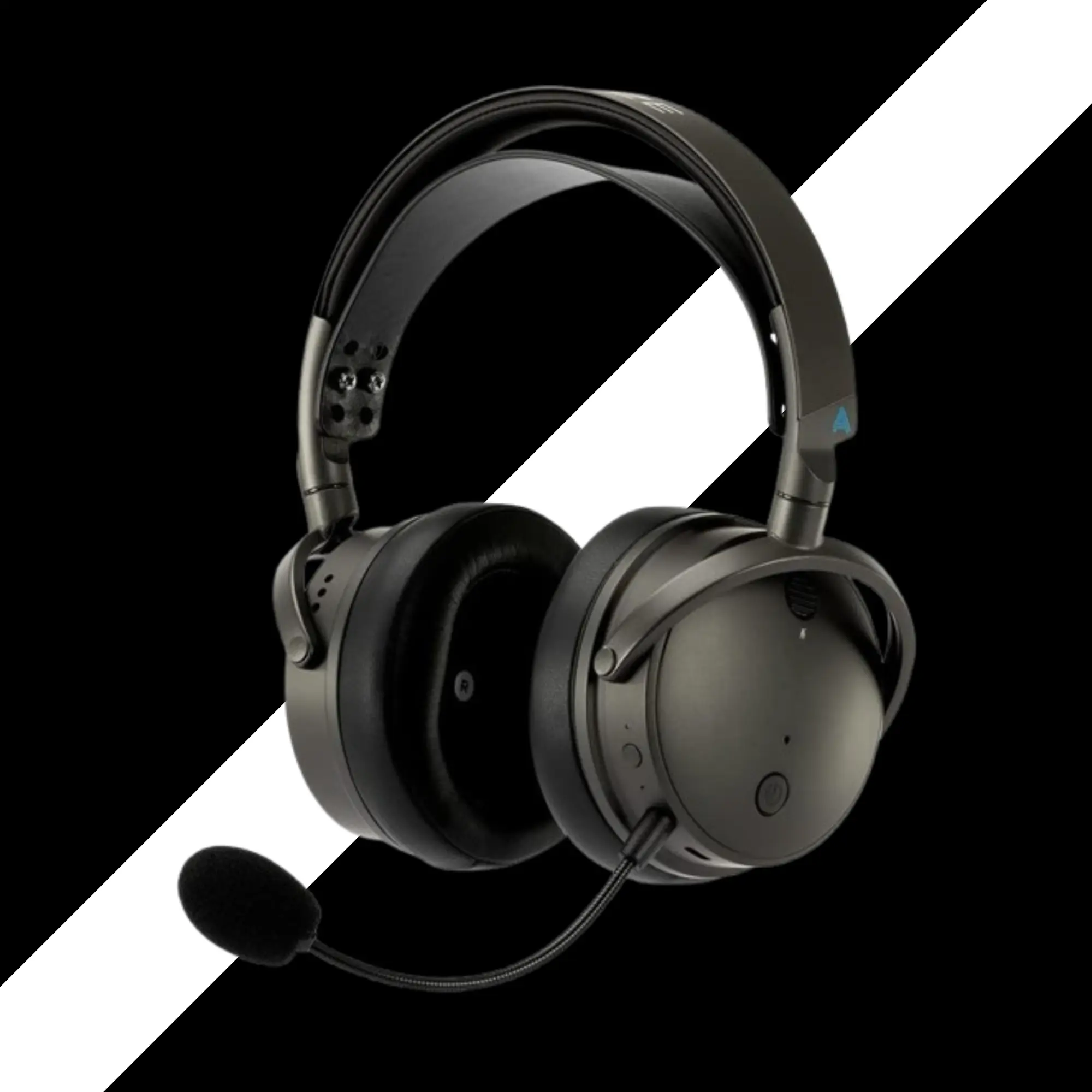
4. Audeze Maxwell Wireless
Best Audiophile Sound Quality
I bought these for music first. Then I used them for games. I was shocked.
At a Glance
- Best for
- Platforms
- Connection
- Drivers
- Battery
- People who want the best sound, no matter the price
- PC, PS5, Xbox (separate versions), Switch
- 2.4GHz wireless + Bluetooth 5.3 (simultaneous)
- 90mm planar magnetic drivers
- 80 hours
The Heavy Truth
These are heavy. Over 500 grams. That is more than a pound.
When I first held them, I thought, “No way I can wear these for hours.”
But the suspension headband spreads the weight. It feels more like 400 grams. Still heavy. But not painful.
I wore them for four hours. My neck was fine. But I would not wear them for eight hours.
Sound Quality – Out of the Box
Out of the box, these sound bright. Too bright. Almost harsh.
The treble is sharp. The bass is there but hidden. The mids are scooped.
I did not like them at first.
Sound Quality: With EQ
Then I used the EQ.
I tamed the treble. I boosted the bass a little. I brought up the mids.
Wow.
Now these sound better than any wireless headset I have tried. Clear. Detailed. Punchy bass. Smooth highs.
I listened to lossless music files. Guitars sounded real. Voices sounded natural.
In Counter-Strike 2, I heard every reload. Every footstep. I knew exactly where enemies were.
In Final Fantasy 16, with all the chaos of spells and music and battle cries, Maxwell kept everything separate. No muddiness.
Microphone
The mic is good. Not great.
It has noise isolation. You can choose low, high, or off. I used low.
My friends said I sounded clear. Not as good as the Astro A50 X, but better than the SteelSeries Nova Pro.
One tip. Do not put the mic too close to your mouth. It will pick up breathing sounds. Keep it a few inches away.
Battery & Build
80 hours of battery. I charged it once a week.
The build is solid. Metal headband. Thick ear pads. Feels like a tank.
The controls are simple. Game/chat mix wheel. Volume wheel. Mute toggle
- Pros
- Best sound quality of any wireless gaming headset
- 80-hour battery life
- Very comfortable for long sessions
- 38-hour battery life
- Works with Sonar on PC
- Cons
- Dongle blocks adjacent USB port on PS5
- Ear cups are shallow
- Mic is tinny and quiet
- No swappable battery
- Requires extension cable for PS5
One Real-World Takeaway
I bought the 7X version (green headband). It works on everything. PC, PS5, Xbox, Switch. One headset to rule them all.
If you want maximum compatibility, get the 7X.
Who Should Skip This?
If you have big ears that stick out, try these first. The shallow ear cups might bother you. If you want hot-swap batteries, spend more for the Nova Pro Wireless.
My Honest Verdict
For $170 to $180, these are a steal.
They have 90% of the features of the Nova Pro Wireless for half the price.
The dongle is annoying. The ear cups are shallow. But everything else is great.
I recommend these to most of my friends.
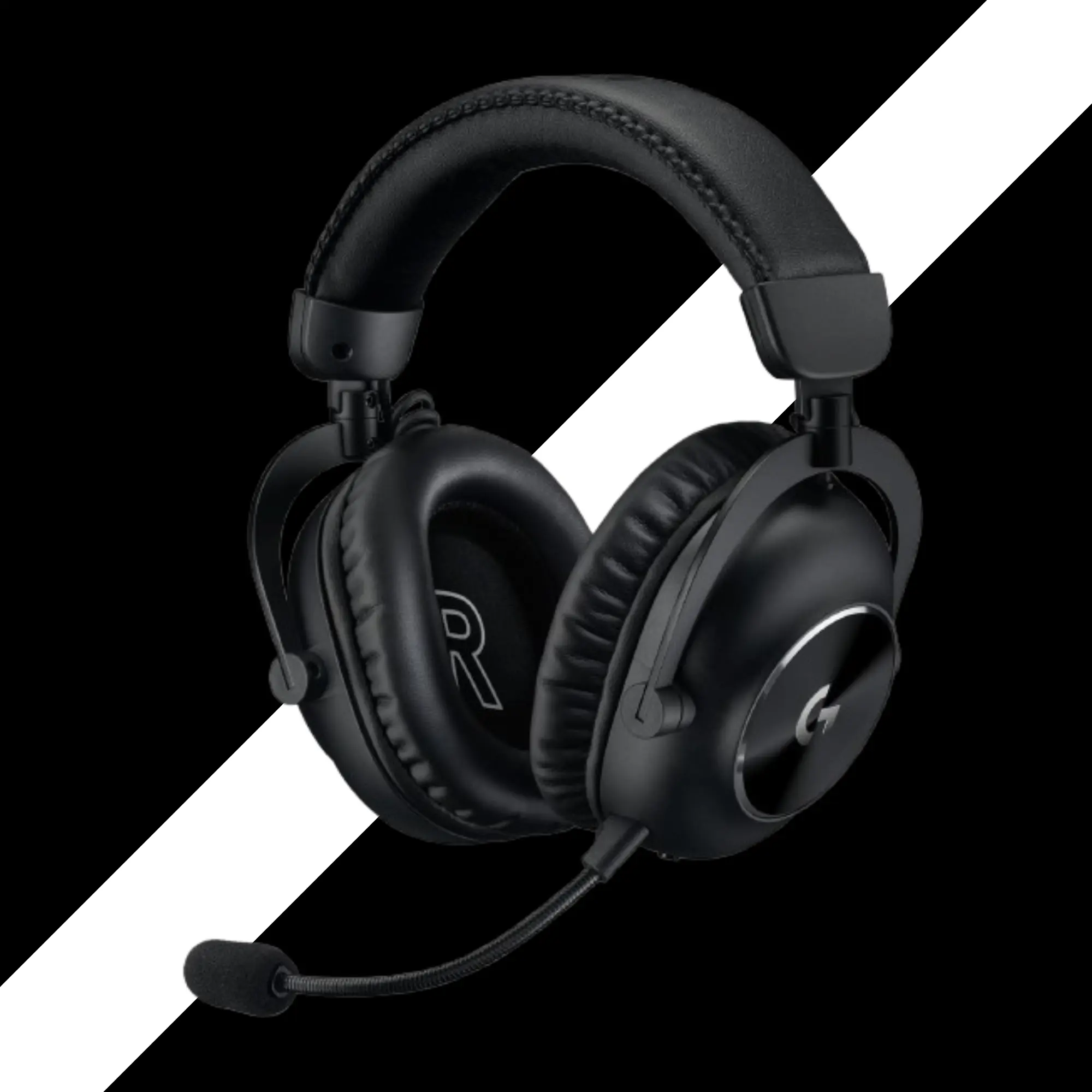
5. Logitech G PRO X 2 LIGHTSPEED
Best for Competitive Esports?
Best for Competitive Esports?
At a Glance
- Best for
- Platforms
- Connection
- Drivers
- Battery
- People who only care about sound and comfort, not mic or features
- PC, PS5, Switch (Xbox version available)
- 2.4GHz wireless OR Bluetooth (not simultaneous)
- 50mm graphene drivers
- 50 hours
The Good Stuff
The sound is great. Really great.
The 50mm graphene drivers are clear. Detailed. I heard things in Destiny 2 that I never heard before.
The comfort is good. The headband is padded. The ear cups are soft. They include two sets of pads. Leatherette and cloth. I used cloth. My ears did not get hot.
The build quality feels premium. Metal frame. Smooth adjustments.
The Bad Stuff: Mic
The mic is terrible.
My friends told me, “Dude, you sound like garbage.”
I tried every setting in G Hub and Blue Voice presets. Custom EQ. Nothing fixed it.
For a $250 headset, this is not acceptable.
The Bad Stuff: Features
- No simultaneous Bluetooth. You pick game audio or phone audio. Not both.
- No LED to show mic mute. You have to guess.
- No game/chat mix wheel.
- The software is confusing. Too many options. Too many presets.
The Price
$250 is too much.
The HyperX Cloud III S is $180. It has a better battery, a better mic, and similar sound.
The SteelSeries Nova 7 is $170. It has simultaneous Bluetooth and better features.
I returned the PRO X 2.
- Pros
- Great sound with graphene drivers
- Very comfortable
- Two sets of ear pads included
- 50-hour battery life
- Solid build quality
- Cons
- Terrible microphone
- No simultaneous Bluetooth
- No LED mute indicator
- Overpriced at $250
- Software is confusing
One Real-World Takeaway
I wanted to keep these for the sound. But my friends could not hear me well. That is a deal breaker for online gaming.
Who Should Skip This?
Everyone who uses a mic. Seriously. If you play solo games only, maybe. But for $250, there are better options.
My Honest Verdict
Skip it if you want an overall user experience. You may wonder, why am I then putting this on the list. Well, this is quite popular now & has a great sale. And, I think you should not just see the good stuff & spend your money on headsets.
The sound is great. Everything else is bad.
Buy the HyperX Cloud III S or the SteelSeries Nova 7 instead.
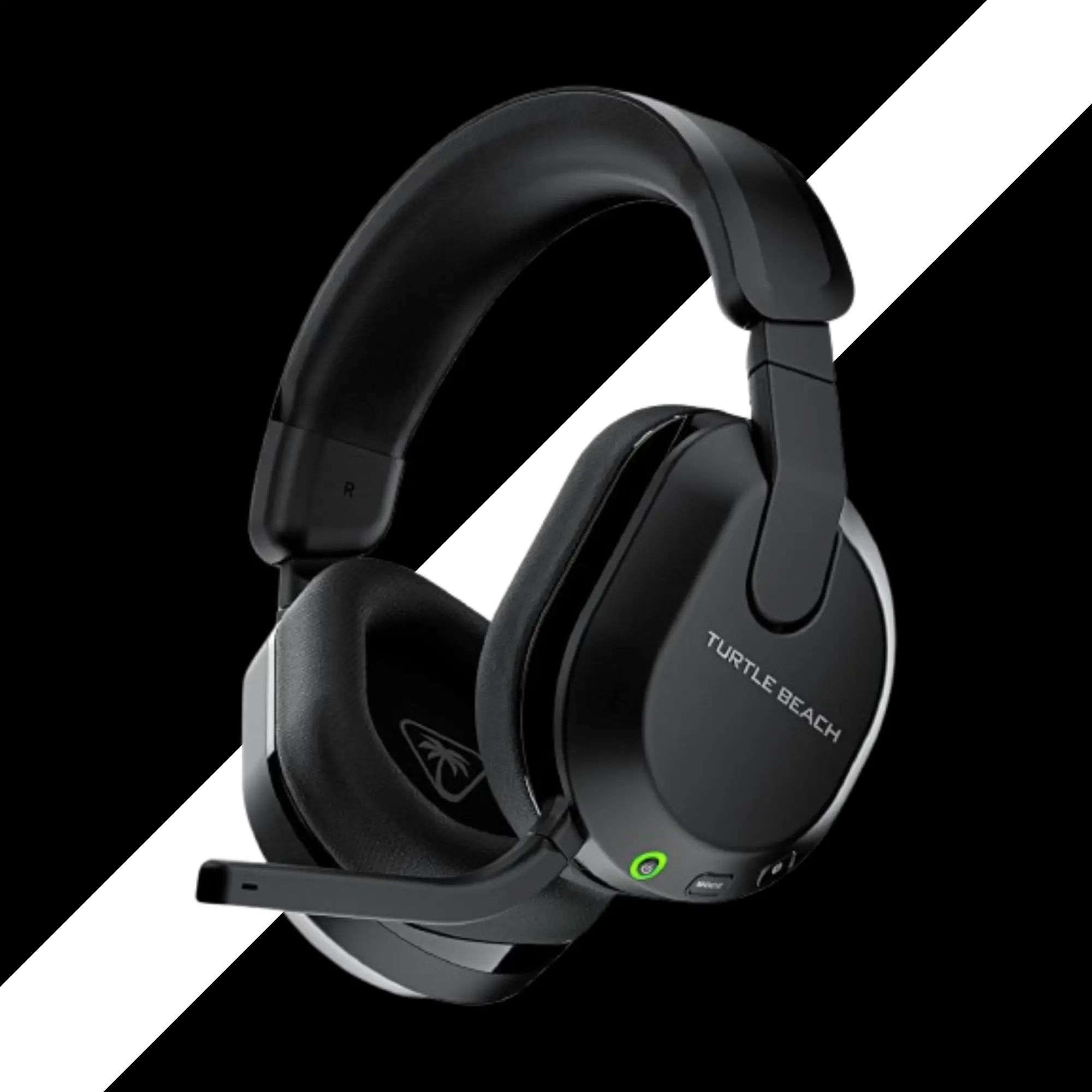
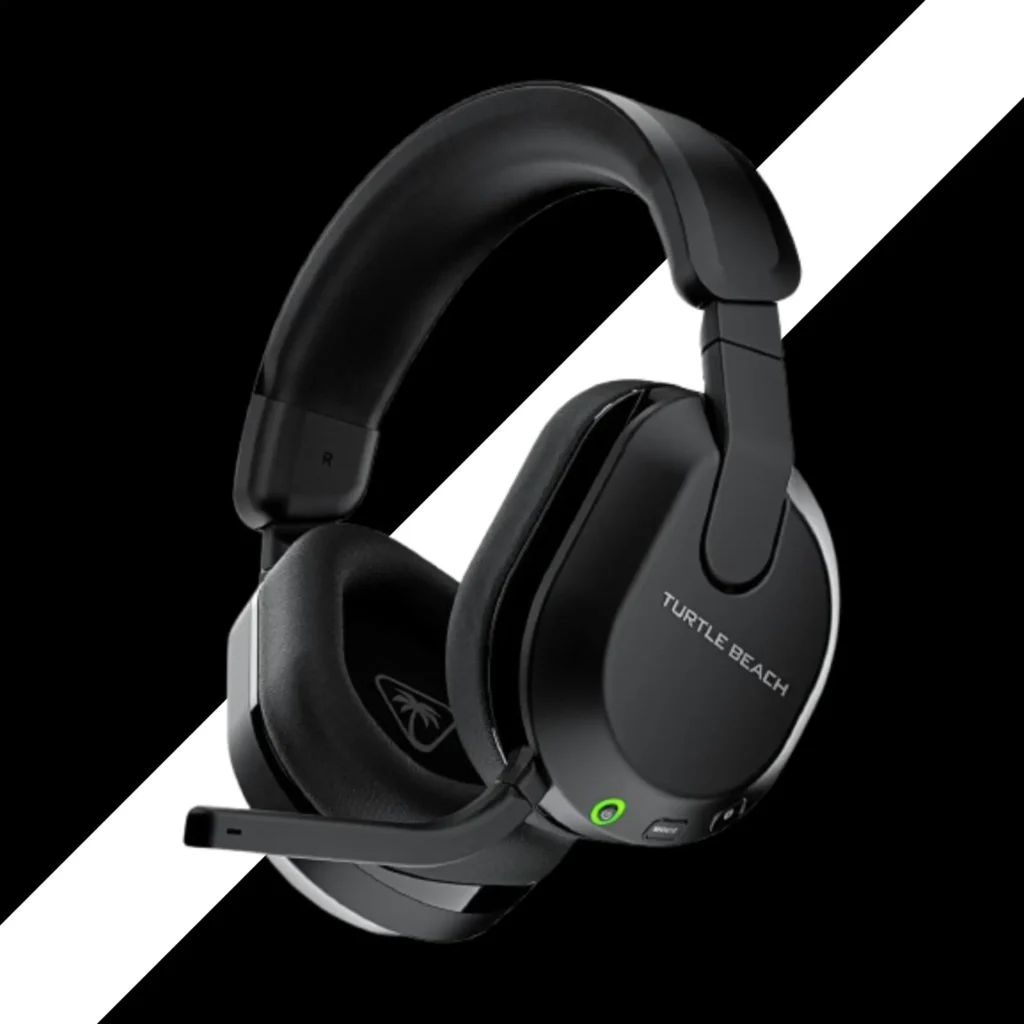
6. Turtle Beach Stealth 600 Gen 3
Best Budget Wireless
I tested these for a month. For $100, they are very good.
At a Glance
- Best for
- Platforms
- Connection
- Drivers
- Battery
- Budget gamers who want long battery life
- PS5, PC, Switch, Xbox (separate versions)
- 2.4GHz wireless + Bluetooth (switch between, not simultaneous)
- 50mm drivers
- 80 hours
Comfort
These are light. 318 grams.
The ear pads are memory foam. Soft. Plush.
But the headband padding is thin. I could feel the plastic underneath. Not painful. But not cozy.
The clamping force is medium. A little tight for my big head. But okay.
The ear cups swivel flat. Nice for wearing around your neck.
The Headband Issue
The padding on top is too thin. I bottomed out. My head touched the plastic.
If you have a bald head like me, you will feel it. Not great.
Microphone
The mic is good. Very good for $100.
It has AI noise rejection. I typed on a loud mechanical keyboard. My friends could barely hear it.
The mic flips up to mute. It has a red LED so you know you are muted.
In the Swarm II app, you can adjust sensitivity, noise gate, and EQ
Sound Quality
The sound is mid and bass-heavy. The highs are not very bright.
For story games like Diablo or Final Fantasy, it sounds full and warm.
For competitive FPS like Call of Duty, the bass covers up footsteps. Not ideal.
You can use the Superhuman Hearing mode. But I do not like it. It makes everything sound like a bathroom echo.
Battery Life
80 Hours
80 hours. That is insane.
I used these for two weeks. Still had battery left.
Fast charging: 15 minutes gives you 8 hours.
- Pros
- 80-hour battery life is best in class
- Great mic with AI noise rejection
- Only $100
- Swarm II app has good controls
- Lightweight and comfortable for many
- Cons
- Headband padding is thin
- Sound is mid/bass heavy (not for FPS)
- No simultaneous Bluetooth
- Wheels stick out, hit couch cushions
- Clamp force a bit tight
One Real-World Takeaway
The wheels on the back stick out. When I leaned back on my couch, they touched the cushion. The volume would change by itself. Drove me crazy.
Who Should Skip This?
If you play mostly competitive FPS games, look elsewhere. The sound is not tuned for footsteps. If you have a large head, try before you buy.
My Honest Verdict
For $100, these are a great value.
The battery life is amazing. The mic is good. The comfort is okay.
But the headband padding and the bass-heavy sound hold it back.
If you can spend $30 more, get the SteelSeries Nova 7. It is better in every way.
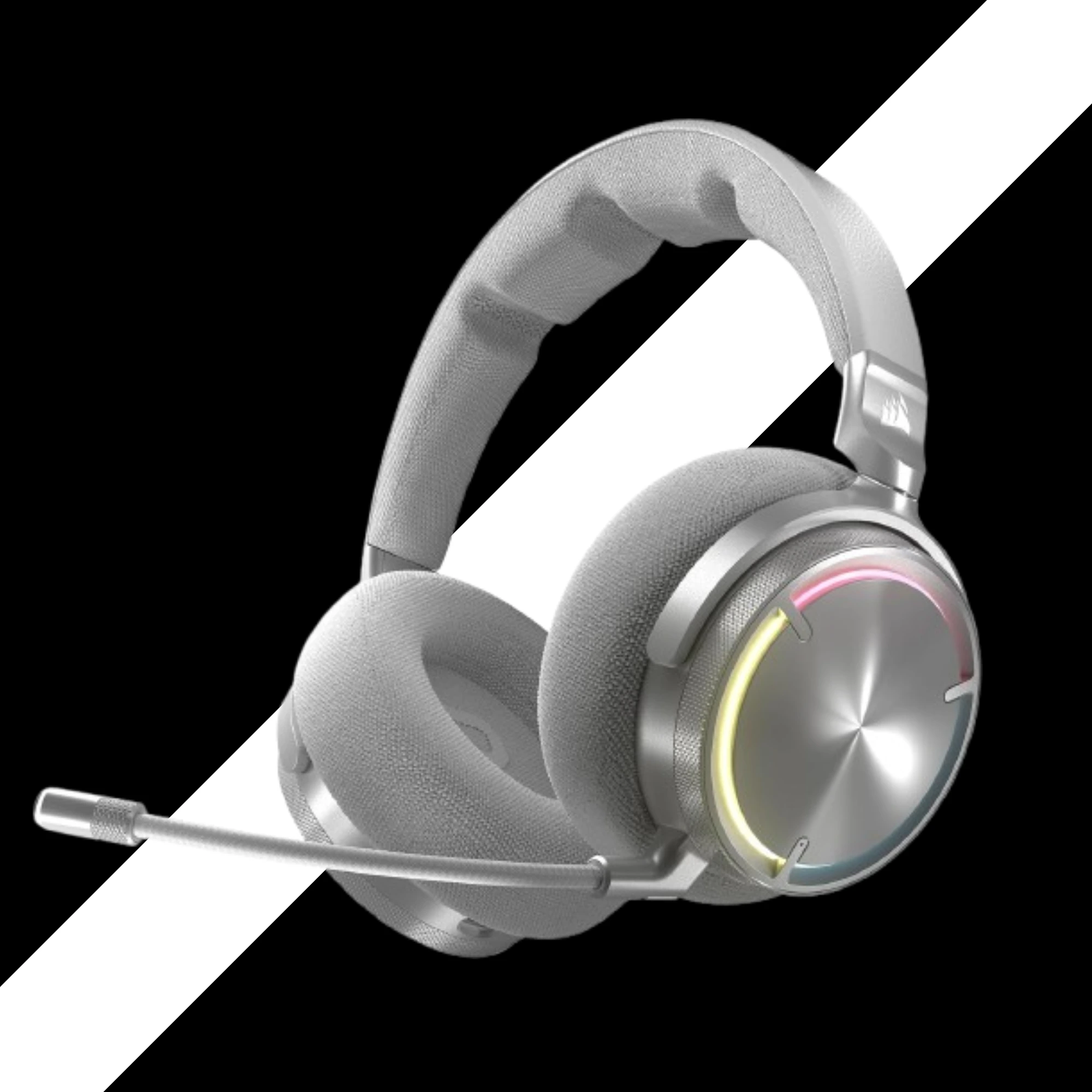
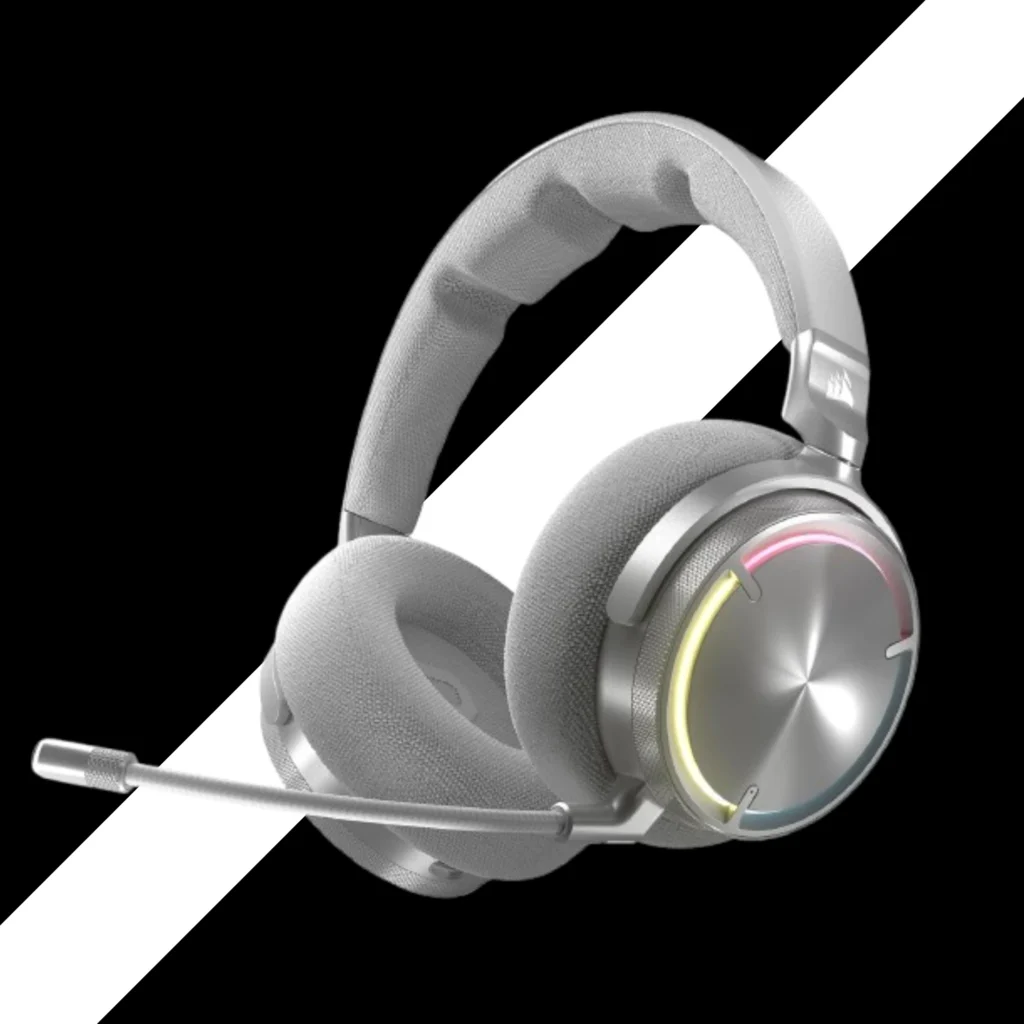
7. Corsair Virtuoso MAX
Premium Build, But Flawed
Corsair sent me these for review. I was excited. I left disappointed.
At a Glance
- Best for
- Platforms
- Connection
- Drivers
- Battery
- People who love premium materials and don't mind bugs
- PC, PS5, Switch (Xbox version exists)
- 2.4GHz wireless + Bluetooth (simultaneous)
- 50mm graphene drivers
- 60 hours
Comfort: Mixed Bag
The build quality is beautiful. Metal. Solid. Premium.
But the ear pads are shallow. Only 20mm deep. My ears touched the hard plastic inside.
The clamp force is strong. Too strong for glasses.
I wore these for one hour. My ears hurt. My head hurts.
The weight is 430 grams. Heavy.
The Sidetone Bug
Sidetone (mic monitoring) is broken on my unit. I got no sound until 90% volume. Then I heard a robotic buzz. Unusable.
I hope Corsair fixes this with firmware. But right now, it is bad.
Volume Bug
Sometimes the volume drops. 100% sounds like 30%. I have to unplug the dongle and restart.
This happens randomly. Very annoying for a $330 headset.
Microphone
The mic is good. Not great. But good.
It uses an omnidirectional capsule. That gives a fuller sound. But it picks up more background noise.
You can use NVIDIA Broadcast to clean it up. That helps.
Sound Quality
The stock sound is bass-heavy. Too much bass. The mids are scooped. The treble has a peak at 8kHz.
With EQ, it sounds much better. I used SoundID in iCUE. That helped a lot.
The graphene drivers are capable. They just need tuning.
- Pros
- Beautiful build quality
- Simultaneous Bluetooth
- Good mic for a wireless headset
- 60-hour battery life
- SoundID helps tune the EQ
- Cons
- Shallow ear pads, uncomfortable for many
- Sidetone is broken (on my unit)
- Volume bug requires restart
- Heavy at 430g
- No game/chat mix
One Real-World Takeaway
I wanted this to be my daily driver. The build is so nice. But the comfort issues and bugs made me stop using it.
Who Should Skip This?
If you wear glasses, skip it. The clamp force and shallow pads are a bad combo. If you want plug-and-play, skip it. You need to EQ and hope the bugs get fixed.
My Honest Verdict
Not yet.
The potential is there. The hardware is good. But the firmware and comfort need work.
Wait for updates. Or buy the SteelSeries Nova Pro Wireless instead.
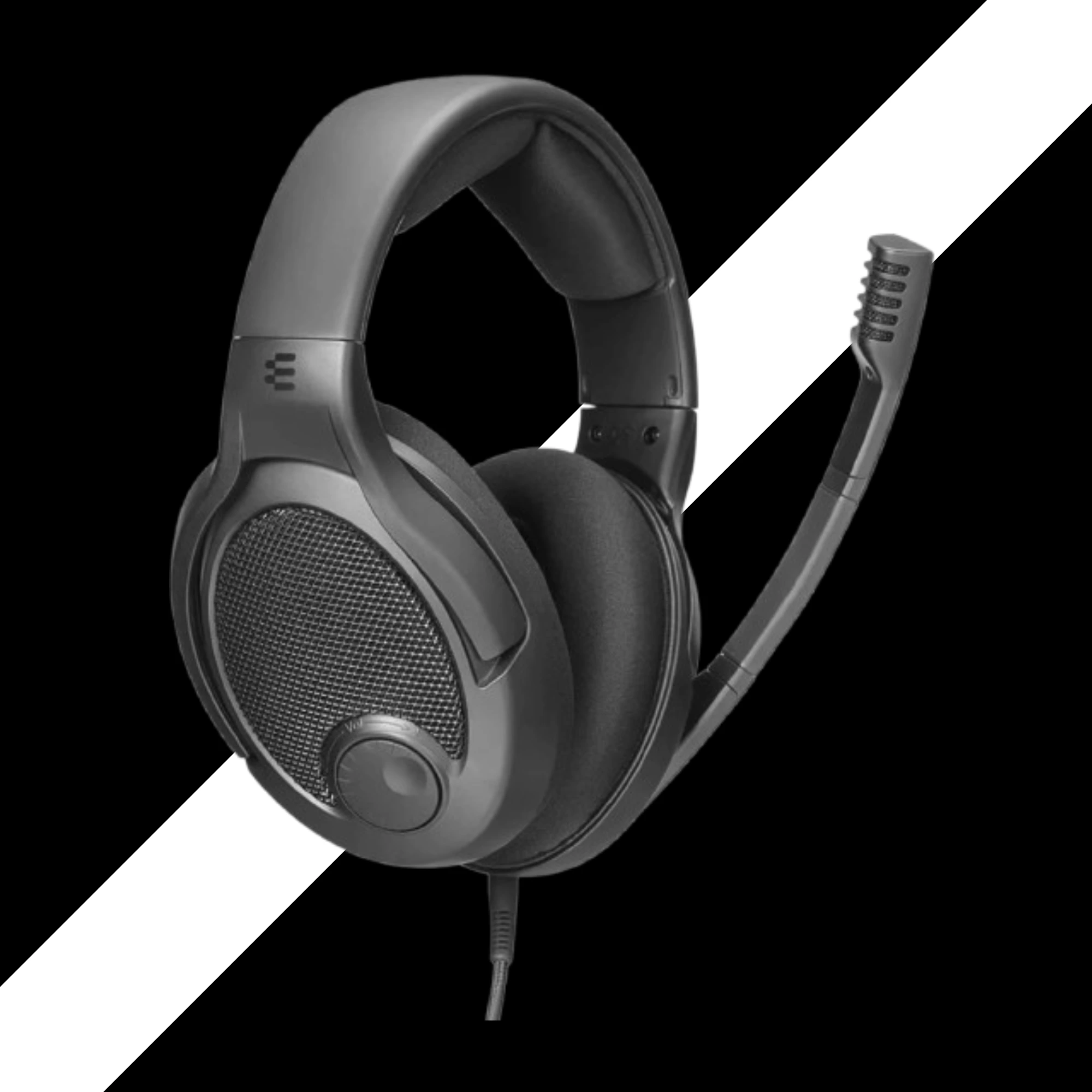
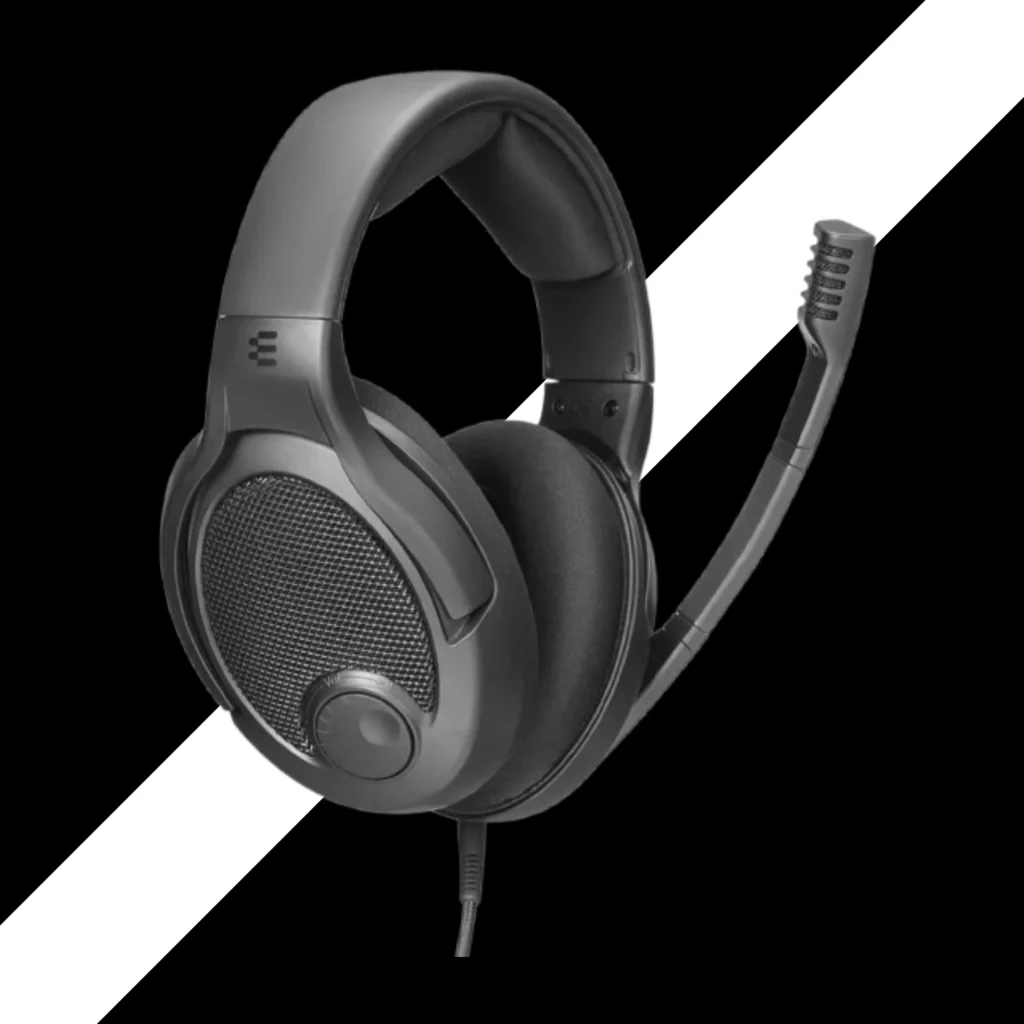
8. DROP PC38X
Best Open-Back for Immersion
This is a wired headset. No batteries. No Bluetooth. Just pure sound.
At a Glance
- Best for
- Platforms
- Connection
- Drivers
- Design
- Single-player gamers who want a wide soundstage
- PC, PS5, Xbox, Switch (via 3.5mm jack)
- Wired (3.5mm)
- Dynamic drivers (same as GSP 500/600)
- Open-back
Open-Back Explained
Open-back means the ear cups have holes or mesh. Air can pass through.
That gives you a wide soundstage. Sounds feel like they are in the room, not inside your head.
But open-back leaks sound. People near you will hear your game.
And open-back lets in noise. If your room is loud, you will hear it.
Comfort
These are very comfortable. Lightweight. Soft velour ear pads.
The headband has extra padding. The ski goggle strap works well.
I wore these for six hours with glasses. No pain.
The clamp force was tight out of the box. I stretched them over a box for three days. Now they are perfect.
Sound Quality
The sound is balanced. Not too much bass. Not too much treble.
Compared to the PC37X (older model), the PC38X has more bass. Smoother highs. Less harsh.
I played Squad. The gunshots sounded real. I played Mafia. The rain and car engines felt immersive.
For competitive FPS, the open-back design helps you hear where sounds come from. But the lack of bass emphasis means footsteps are not boosted.
Microphone
The mic is clear. But it is very sensitive.
It picks up keyboard clicks. Mouse clicks. Fans. Everything.
You need noise suppression. Discord has it built in. Or use NVIDIA Broadcast.
The mic flips up to mute. That is nice.
The Price Problem
$170 to $180 for a wired headset is expensive.
The PC37X is $120. It sounds almost as good.
Also, EPOS (the company that made these) is leaving the gaming market. Future support is uncertain.
- Pros
- Wide soundstage great for immersion
- Very comfortable for long sessions
- Balanced sound, not bass-heavy
- Works on all platforms with 3.5mm
- Flip-to-mute mic
- Cons
- Expensive for a wired headset
- Mic is too sensitive
- Open-back leaks sound
- Needs noise suppression software
- EPOS leaving gaming market
One Real-World Takeaway
My wife complained about sound leaking from these. She could hear my game from across the room. If you live with others, be careful.
Who Should Skip This?
My wife complained about sound leaking from these. She could hear my game from across the room. If you live with others, be careful.
My Honest Verdict
For $170, it is a tough sell.
The sound is great. The comfort is great. But the PC37X is $50 less and very close in quality.
Only buy the PC38X if you want that extra bass and smoother treble. Otherwise, save your money
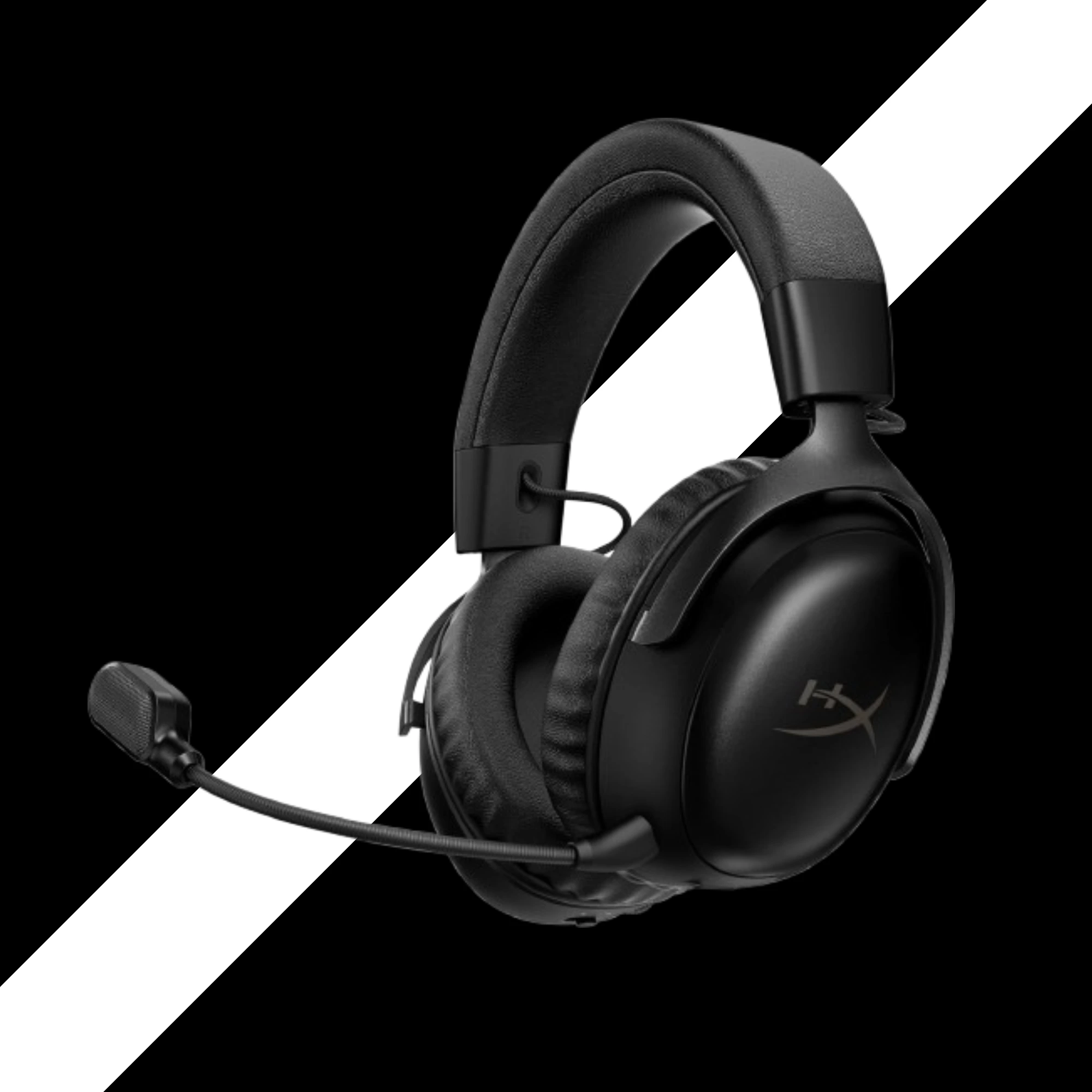
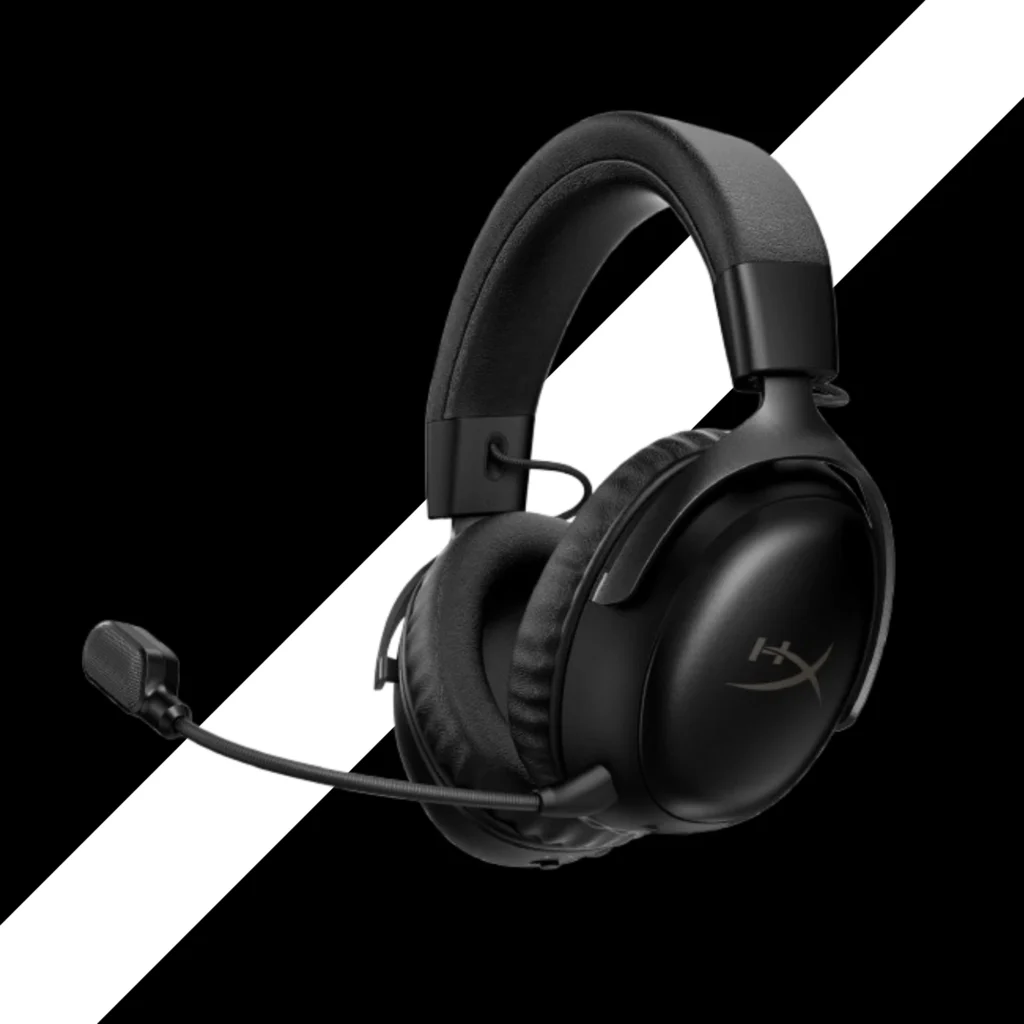
9. HyperX Cloud III S
The Undisputed King of Lasting Comfort
This is my new favorite under $200.
At a Glance
- Best for
- Platforms
- Connection
- Drivers
- Design
- Gamers who want long battery, good sound, and great comfort
- PC, PS5, Switch, Xbox (dongle works on all)
- 2.4GHz wireless OR Bluetooth (toggle, not simultaneous)
- 53mm dynamic drivers
- 120 hours
The Battery
120 Hours
120 hours.
I used these for two weeks. Still had 40% left.
I forgot where the charging cable was. That has never happened before.
Comfort
These are very light. Just over 300 grams.
The clamp force is low. The headband is padded. The ear cups are deep.
I wore these with glasses for eight hours. No pain. No pressure.
The leatherette pads get warm after a few hours. But not sweaty. You can buy cloth pads from Wicked Cushions if you want.
Sound Quality
Out of the box, these sound great. More bass than the old Cloud 3. More treble. More fun.
I played Call of Duty. Footsteps were clear. Explosions had punch.
I listened to music. Guitars sounded crisp. Vocals were forward.
You can use the HyperX Ingenuity software to EQ. 10-band equalizer. Save it to the headset. Then use it on PS5 or Switch.
The Missing Features
- No simultaneous Bluetooth. You have to toggle between 2.4GHz and Bluetooth.
- No game/chat mix wheel. That is a bummer for console players.
But for $180, I can live with that.
PS5 Issue
The dongle did not work on the front USB ports of my PS5. I had to use the back port or the USB-A adapter. HyperX says they are working on a fix.
- Pros
- 120-hour battery life is insane
- Very comfortable for all head sizes
- Great sound out of the box
- 10-band EQ saves to headset
- Only $180
- Cons
- No simultaneous Bluetooth
- No game/chat mix
- Dongle issues on PS5 front ports
- Leatherette pads get warm
- Mic is good but not great
One Real-World Takeaway
I took these on a trip. I forgot the charging cable. I did not need it. 120 hours lasted the whole week.
Who Should Skip This?
If you need simultaneous Bluetooth, skip it. If you need a game/chat mix, skip it. Otherwise, buy it.
My Honest Verdict
Buy these.
For $180, you get a 120-hour battery, great sound, and amazing comfort.
The missing features hurt a little. But for most gamers, this is the best value wireless headset right now.
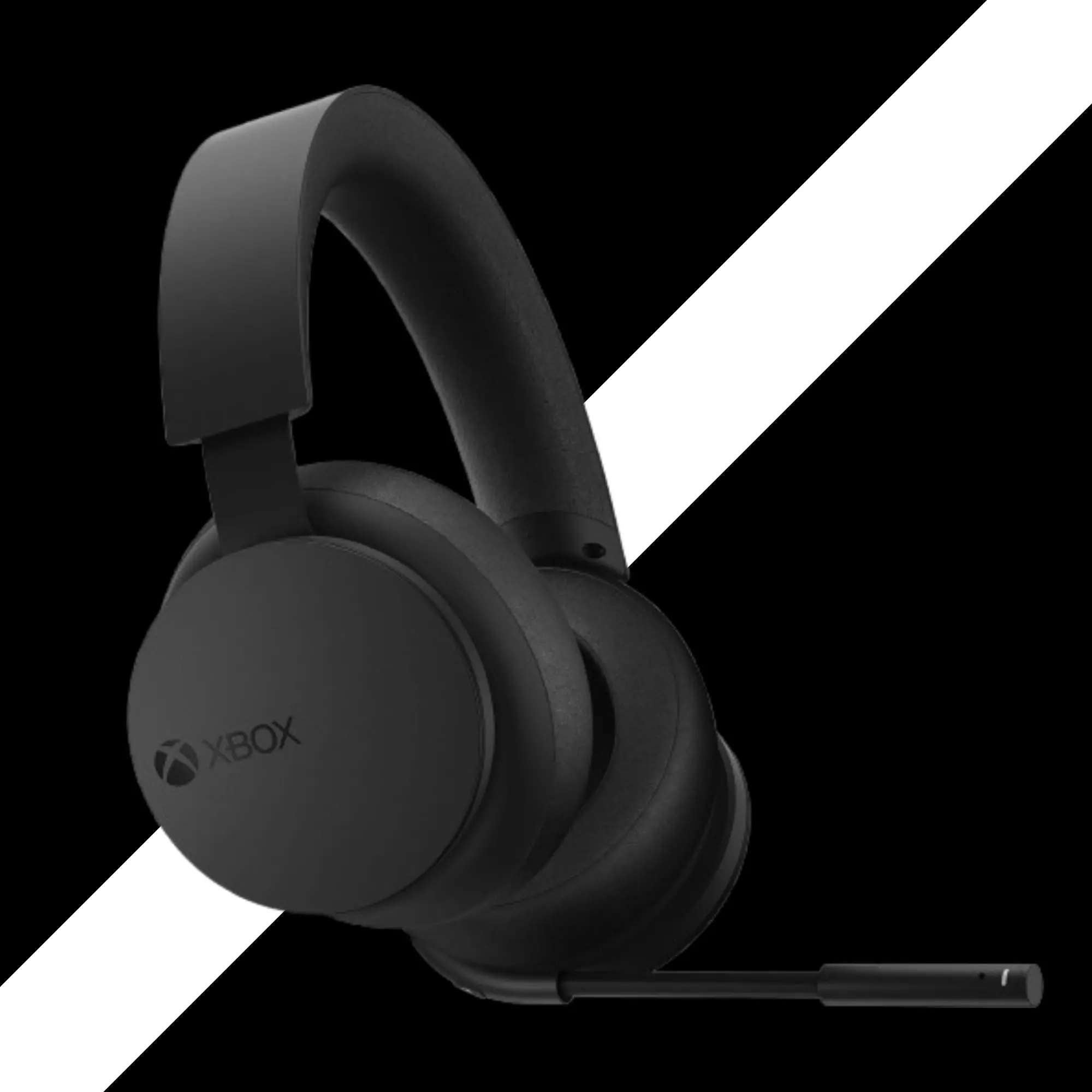
10. Xbox Wireless Headset
Best Official Companion for Xbox
If you own an Xbox, this is the easiest choice.
At a Glance
- Best for
- Platforms
- Connection
- Drivers
- Design
- Xbox gamers who want seamless pairing
- Xbox, PC, mobile (Bluetooth)
- Xbox Wireless (proprietary) + Bluetooth 4.2
- 40mm drivers
- 15-20 hours
Seamless Pairing
No Dongle, No Cables, No Apps
This headset pairs like an Xbox controller. Hold the pair button. The console finds it. Done.
No dongle. No cables. No apps.
That alone is worth the price for many people.
Design
Matte black with green trim. Matches the Xbox Series X.
The ear cups are dials. The right cup adjusts volume. Left cup adjusts game/chat mix.
Simple. Clean. No extra buttons.
The mic is short. The LED is hard to see. That is my only design complaint.
Comfort
The ear pads are soft leatherette. The headband has padding.
Lightweight. Not heavy at all.
I wore these for three hours. No pain.
Sound Quality
The sound is good. Not amazing. But good.
I played Halo. I heard footsteps clearly. I played Forza Horizon. The engine sounds were deep.
You can adjust EQ in the Xbox accessories app. That helps.
The headset supports Dolby Atmos. You need to buy the license separately. But it is worth it for supported games.
Microphone
The mic has voice isolation. It blocks background noise.
My friends said I sounded clear. Not like a podcast. But clear.
The mic flips up to mute. No LED on the mic tip. But the ear cup has a small light.
Battery
15 to 20 hours. Average.
Charges via USB-C. No fast charging.
- Pros
- Seamless pairing with Xbox
- Clean design with dial controls
- Comfortable for long sessions
- Good sound for the price ($100)
- EQ and mic monitoring in Xbox app
- Cons
- Only 15-20 hour battery
- Mic is short, LED hard to see
- No fast charging
- No simultaneous Bluetooth
- Mic is just okay
One Real-World Takeaway
I set these up in 30 seconds. No dongle. No PC software. Just my Xbox.
That ease of use is why I recommend them to casual gamers.
Who Should Skip This?
If you play on multiple platforms, skip it. It works on PC via Bluetooth, but the experience is not as good. If you want 80-hour battery, skip it.
My Honest Verdict
For $100, this is the best headset for Xbox-only gamers.
It is not the best sound. It is not the best battery. But it is the easiest to use.
And sometimes, easy is better.
1
Wired vs. Wireless
Which Connection Actually Wins in 2026?
I used to think Wired was always better. No batteries. No lag. Pure sound.
But wireless has gotten very good.
Here is my honest take.
- Wireless
- No cable tugging your head
- Walk to the kitchen or bathroom without taking off your headset.
- Clean desk setup
- You have to charge it.
- Slightly higher lag (but most people cannot tell)
- Costs more
- Wired
- No batteries ever
- Lower price for the same sound quality
- Works on everything with a 3.5mm jack
- Cable can get in the way.
- Limited to your desk or couch
My Recommendation
For most people, I recommend wireless. The freedom is worth the extra cost.
But if you are on a tight budget, wired is fine. The DROP PC38X sounds amazing for $170. The HyperX Cloud 2 (wired) is also great for $70.
2
Platform Deep Dive
PS5, Xbox, and PC — get the most from each
Unlocking Tempest 3D Audio on PS5
PS5 has a special 3D audio engine. It is called Tempest 3D Audio Tech.
Here is how to turn it on.
- Go to Settings > Sound > Audio Output > Enable 3D Audio.
- Then adjust the profile. Choose the one that sounds best to you.
- For competitive games, turn it off. For story games, turn it on.
One more thing. Some headsets have a USB dongle. Plug it into the back of the PS5. The front ports can have interference.
Dolby Atmos vs. Windows Sonic for Xbox and PC
Xbox and PC have two main spatial audio options.
Windows Sonic is free. It is fine. Not great.
Dolby Atmos costs $15. It is better. More accurate. More immersive.
DTS Headphone:X is another option. Also $15. Also good.
I use Dolby Atmos on my PC. It works well for games that support it.
- To enable it, right-click the sound icon in Windows. Go to Spatial Audio. Choose Dolby Atmos.
- On Xbox, go to Settings > General > Volume & Audio Output > Headset Audio > Dolby Atmos.
3
Buyer's Guide
How to choose based on your game genre
Here is your complete buying guide:
FPS Games
Call of Duty, CS2, Valorant
My Top Picks
- SteelSeries Arctis Nova Pro Wireless (with FPS EQ preset)
- Audeze Maxwell (with competitive EQ)
- HyperX Cloud III S (with treble boost EQ)
- Avoid bass-heavy headsets like the Turtle Beach Stealth 600.
RPG and Story Games
Elden Ring, Cyberpunk, Zelda
My Top Picks
- Audeze Maxwell (best sound)
- DROP PC38X (best soundstage)
- HyperX Cloud III S (best value)
Multi-Platform Gamers
One headset for everything
My Top Picks
- SteelSeries Arctis Nova Pro Wireless (Xbox version)
- Logitech G Astro A50 X (if you have the budget)
- SteelSeries Arctis Nova 7X
4
Maintenance & Longevity
How to make your headset last for years
I have broken many headsets. Here is what I learned.
Clean the ear pads
Sweat and oil break down leatherette. Wipe the pads with a damp cloth every week.
Do not over-stretch the headband
When you put on your headset, pull the ear cups apart, not the headband. The headband will lose tension over time.
Store it safely
Use the carry case if you have one. Or hang it on a stand. Do not throw it in a bag.
Replace the ear pads
Most headsets have removable ear pads. Buy replacements every 1-2 years. Your ears will thank you.
Update the firmware
Check the manufacturer's software for updates. They fix bugs and improve sound.
5
Frequently Asked Questions (FAQ)
01. Frequently Asked Questions
Yes, but only if the headset is made for both. Look for “Xbox compatible” on the box. The SteelSeries Arctis Nova 7X and Astro A50 X work on all consoles. Most standard USB dongles fail on Xbox because of a security chip.
02. Is Bluetooth good for gaming?
No, Bluetooth has too much delay. You will hear a small gap between what happens on screen and what you hear. Use 2.4GHz wireless or a wired cable for gaming. Save Bluetooth for phone calls and music.
03. How do I stop my ears from getting hot?
Switch to cloth or velour ear pads. They let air flow. Leatherette pads trap heat. Wicked Cushions makes breathable replacements for most headsets. Also, take a 5‑minute break every hour.
04. What is sidetone, and why do I need it?
Sidetone lets you hear your own voice in the headset. It stops you from shouting at 2 AM. Most gaming headsets have it in their software. Turn it on in SteelSeries Sonar, Logitech G Hub, or your console’s audio settings.
05. Do I need Dolby Atmos for gaming?
Sidetone lets you hear your own voice in the headset. It stops you from shouting at 2 AM. Most gaming headsets have it in their software. Turn it on in SteelSeries Sonar, Logitech G Hub, or your console’s audio settings.
06. Why does my headset sound quiet on PS5?
Check two things. First, turn off the volume limiter in the PS5 sound settings. Second, make sure the headset wheel is at max. Then adjust the volume from the PS5 menu. Some USB dongles work better in the back USB ports.
07. How long do gaming headset batteries really last?
It varies a lot. HyperX Cloud III S lasts 120 hours. Turtle Beach Stealth 600 Gen 3 lasts 80 hours. SteelSeries Arctis Nova Pro Wireless lasts 20 hours per battery, but you get two batteries. Always check the specs before buying.
08. Why don't my PC headsets work on my Xbox?
Xbox has a security chip. Most USB dongles do not have that chip. You need a headset made for Xbox, or use the 3.5mm jack on the controller.
09. Is Active Noise Cancellation (ANC) worth it for gaming?
Not really.
ANC is great for planes and trains. But for gaming, you want to hear your own voice. ANC blocks that.
Also, ANC adds a small amount of white noise. Not ideal for quiet games.
Stick with passive noise isolation from closed-back ear pads.
10. How do I stop my ears from getting hot during long sessions?
Switch to cloth or velour ear pads. They breathe better than leatherette.
Wicked Cushions makes great replacements for most headsets.
Also, take a 5-minute break every hour. Let your ears cool down.
6
Final Verdict
Here is my simple advice.
Unlimited Budget
Buy the SteelSeries Arctis Nova Pro Wireless. It does everything well. The hot-swap batteries are a game-changer.
Best Sound
Buy the Audeze Maxwell. Just be ready to use the EQ and deal with the weight.
Best Value
Buy the HyperX Cloud III S. 120-hour battery. Great comfort. Great sound. $180.
Xbox-Only Gamer
Buy the Xbox Wireless Headset. It is not the best. But it is the easiest.
Competitive FPS
Buy the SteelSeries Arctis Nova 7X and use the FPS EQ preset in Sonar.
Tight Budget ($100)
Buy the Turtle Beach Stealth 600 Gen 3. The battery is amazing. The mic is good. The comfort is okay.
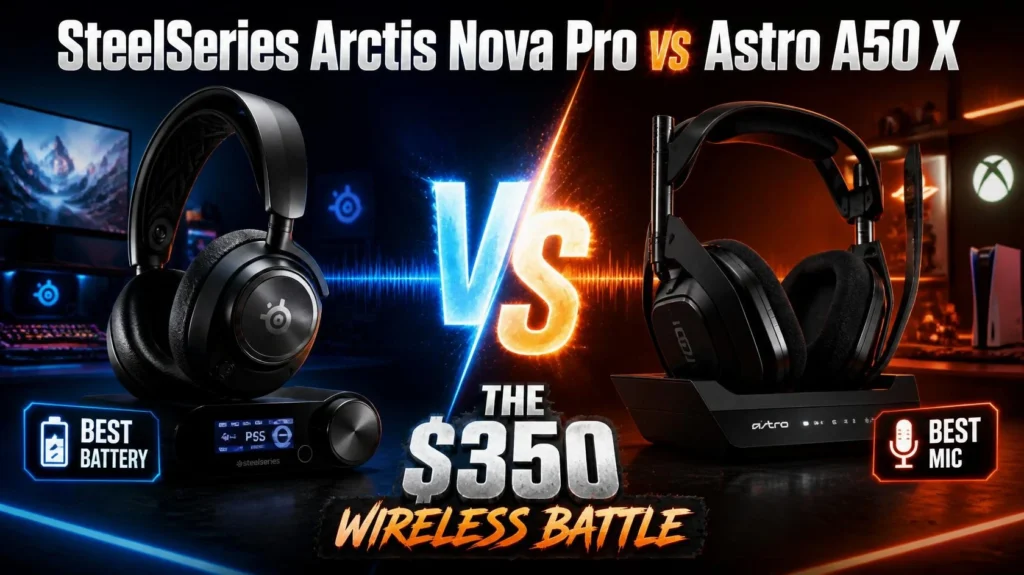
Pingback: SteelSeries Arctis Nova Pro Wireless Review: Still Worth It?